1Common Challenges
LINE Notify is gone
LINE Notify ended on 31 March 2025. Order alerts, IoT warnings and staff notifications that relied on it have to move to the Messaging API, where push messages count toward your LINE plan.
When the self-serve tools aren't enough, we build custom LINE integrations on the official Messaging API, LINE Login and LIFF: bots and webhooks, per-user rich menus, order and booking notifications, LINE Notify replacements — connected to the systems you already run.
500
user IDs per multicast request
5
messages per API request
20
tap areas per rich menu (API)
2025-03-31
LINE Notify shut down
Built for LINE Official Accounts
LINE Messaging API
Free to start
50 credits at sign-up
TH · JA · ZH · EN
Thai, Japanese, Chinese, English
Typical situations where off-the-shelf tools stop short.
LINE Notify ended on 31 March 2025. Order alerts, IoT warnings and staff notifications that relied on it have to move to the Messaging API, where push messages count toward your LINE plan.
Bookings, orders and member levels sit in your POS, booking system, e-commerce backend or a spreadsheet, and LINE knows nothing about them.
Members, staff and new friends all see the same menu, because switching menus per user takes the Messaging API.
You want people to sign in to your website with LINE and link their LINE user ID to their account — OAuth 2.0 and OpenID Connect, done properly.
Unverified signatures, slow handlers or reply tokens used too late, and the replies simply never arrive.
Since 4 September 2024 a Messaging API channel can't be created directly in the LINE Developers Console — you enable the Messaging API from LINE Official Account Manager. Many guides still show the old way.
No fixed packages: every project is scoped and quoted once we understand it.
Use the contact form: what should happen in LINE, which systems are involved, and your timing. We reply with questions, not a sales script.
You get a written scope — what will be built, which LINE features it relies on and their limits, what you need to provide (accounts, API access) — and the price, before any work starts.
We build against a test LINE Official Account first, with signature-verified webhooks, retries and logging, and show you the result in LINE.
We hand over the code, documentation and LINE settings agreed in the scope. Ongoing maintenance is optional and agreed separately.
Custom development on request — none of this is a self-serve LineBot.pro feature.
Webhook servers that verify every request's x-line-signature, answer quickly and handle messages, postbacks, follows and unfollows reliably.
Different menus for members, staff or new friends, and tab menus that switch with rich menu aliases — up to 20 tap areas per menu through the API.
Order, booking, stock or system alerts sent as push messages from your LINE Official Account, designed around your plan's monthly quota.
Sign-in with LINE (OAuth 2.0 / OpenID Connect) and a LINE user ID linked to the customer record, so later messages reach the right person.
POS, booking software, e-commerce backend, your own CRM or database, Google Sheets — connected through their APIs. We integrate with what you already run.
Receipts, booking confirmations or product cards generated from your data and validated against LINE's message rules before sending.
Multicast to known user IDs in batches of 500, or narrowcast to audiences, with retry keys so a network retry never sends twice.
Forms, member cards or booking pages that open inside the chat. For app-sized projects, see LIFF & LINE MINI App development.
AI that classifies or drafts, with a person or a fixed list of approved answers in control — the same rule our own automation follows.
These constraints shape every LINE build. Each one links to LY Corporation's documentation.
| Rule | What it means for your project | Source |
|---|---|---|
| Messaging API channels are created from LINE Official Account Manager (since 4 Sept 2024) | You need a LINE Official Account first; we tell you up front which access we need. | LINE Developers news |
| Webhooks are verified with the x-line-signature header (HMAC-SHA256 with your channel secret) | Requests that fail verification are rejected before any logic runs. | Signature verification |
| A reply token can be used once, within about one minute | Slow work (lookups, AI) needs a design that still answers in time, or a push message. | API reference: reply |
| Multicast: up to 500 user IDs and 5 messages per request | Long lists are sent in batches; blocked users simply don't receive them. | API reference: multicast |
| Rich menus via the API: up to 20 tap areas, per-user menus and aliases for tabs | Member, staff or tab menus are possible (LINE Official Account Manager's templates stop at 6 areas). | Per-user rich menus |
| Push, multicast, broadcast and narrowcast count toward the monthly quota; replies don't | Notifications are sized to your plan, and replies are used wherever the flow allows. | Messaging API pricing |
| LINE Notify ended on 31 March 2025 | Migrations move to Messaging API push messages from a LINE Official Account. | LINE Notify alternatives |
We run these APIs in production ourselves: LineBot.pro verifies every webhook signature, has LINE validate reply messages before an automation is switched on, and sends campaigns in 500-ID batches with retry keys. For the technical background, read our LINE Messaging API tutorial and LINE chatbot development tutorial.
Moving off LINE Notify? Start with our LINE Notify alternatives guide.
Examples of custom builds, not product features. Each project is scoped individually.
Connect LINE to your shop backend.
Kitchen, bookings and queues.
Appointments without phone tag.
Reach parents where they read.
Alerts people actually see.
Leads that don't go cold.
1×
A retry key on every send, so a network retry can't message a customer twice.
0
Replies are free on LINE's side; we use them wherever the flow allows and keep push messages for what matters.
4
Messaging API, LINE Login, LIFF and LINE MINI App — no unofficial workarounds.
20
Menus beyond the 6-area templates of LINE Official Account Manager, per user or as tabs.
Start with a comprehensive analysis of your LINE presence
Professional audit of your LINE presence with actionable recommendations
For complex setups or several accounts, tell us what you need and we will scope a tailored audit with you.
Contact UsBots that reply to customers, notifications from your own systems (orders, bookings, alerts), per-user and tab-style rich menus, sends to known user IDs, and Flex Messages generated from your data. Combined with LINE Login and LIFF, LINE can also identify customers on your website and open forms or pages inside the chat.
Using the API is free, but messages your account initiates — push, multicast, broadcast and narrowcast — count toward your LINE Official Account plan's monthly messages, while replies to a customer's message don't. As of October 2026 the free plans include 300 messages a month in Thailand, 200 in Japan and 200 in Taiwan.
It depends on the scope — how many flows, which systems to connect, who hosts it — so we don't publish fixed prices. Send the details through the contact form and you'll receive a written scope and a quote before any work starts.
LINE Notify ended on 31 March 2025. The usual replacement is a LINE Official Account with the Messaging API: your system sends push messages to staff or customers who added the account as a friend. Unlike LINE Notify, those messages count toward your plan's monthly quota, so the design has to fit your plan. Our LINE Notify alternatives guide compares the options.
Usually, if the system offers an API, webhooks or a database we can read safely. We check feasibility while scoping — before any quote — and say so plainly when something isn't possible.
Yes, for bots and notifications. Since 4 September 2024 a Messaging API channel is created by enabling the Messaging API for a LINE Official Account in LINE Official Account Manager; it can no longer be created directly in the LINE Developers Console. LINE Login needs its own LINE Login channel.
Often, yes. Keyword replies with approved rich messages, scheduled broadcasts and AI-made rich menus are self-serve and pay-as-you-go. Custom development makes sense when LINE has to talk to your own systems, or when different users need different menus, logins or notifications.
Yes: the Messaging API, LINE Login, LIFF and LINE MINI App, as documented by LY Corporation. We don't use unofficial automation of personal LINE accounts, which breaks LINE's terms.
Get a free consultation: tell us what you want to do on LINE and we'll recommend the right tools or quote the custom work.
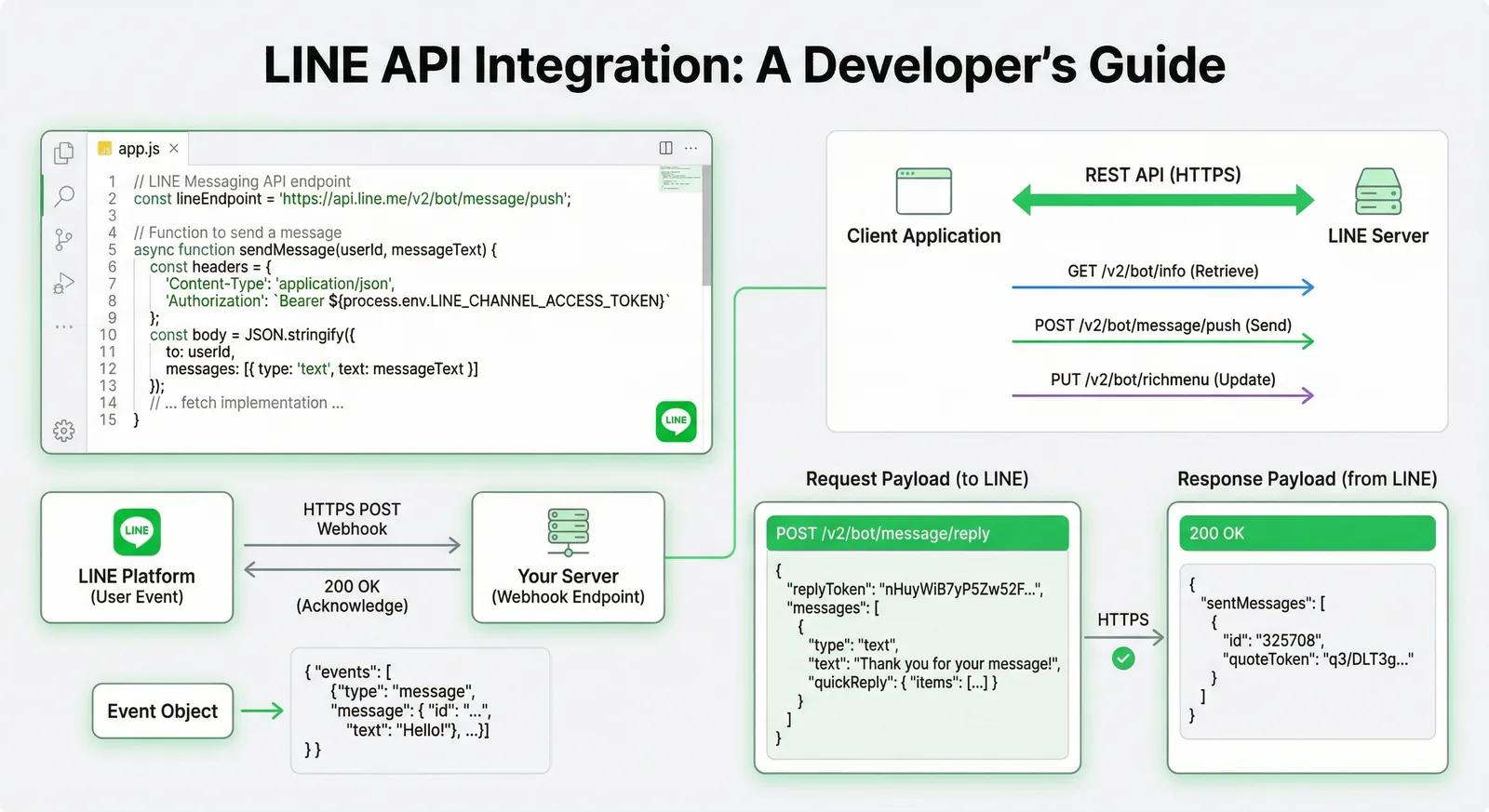
A developer's map of the LINE APIs in 2026 and how to call them directly: what each API can do, channel setup, reply and push with fetch, webhook signature verification, LINE Login with PKCE, LIFF ID tokens, rate limits and error handling.
Read Article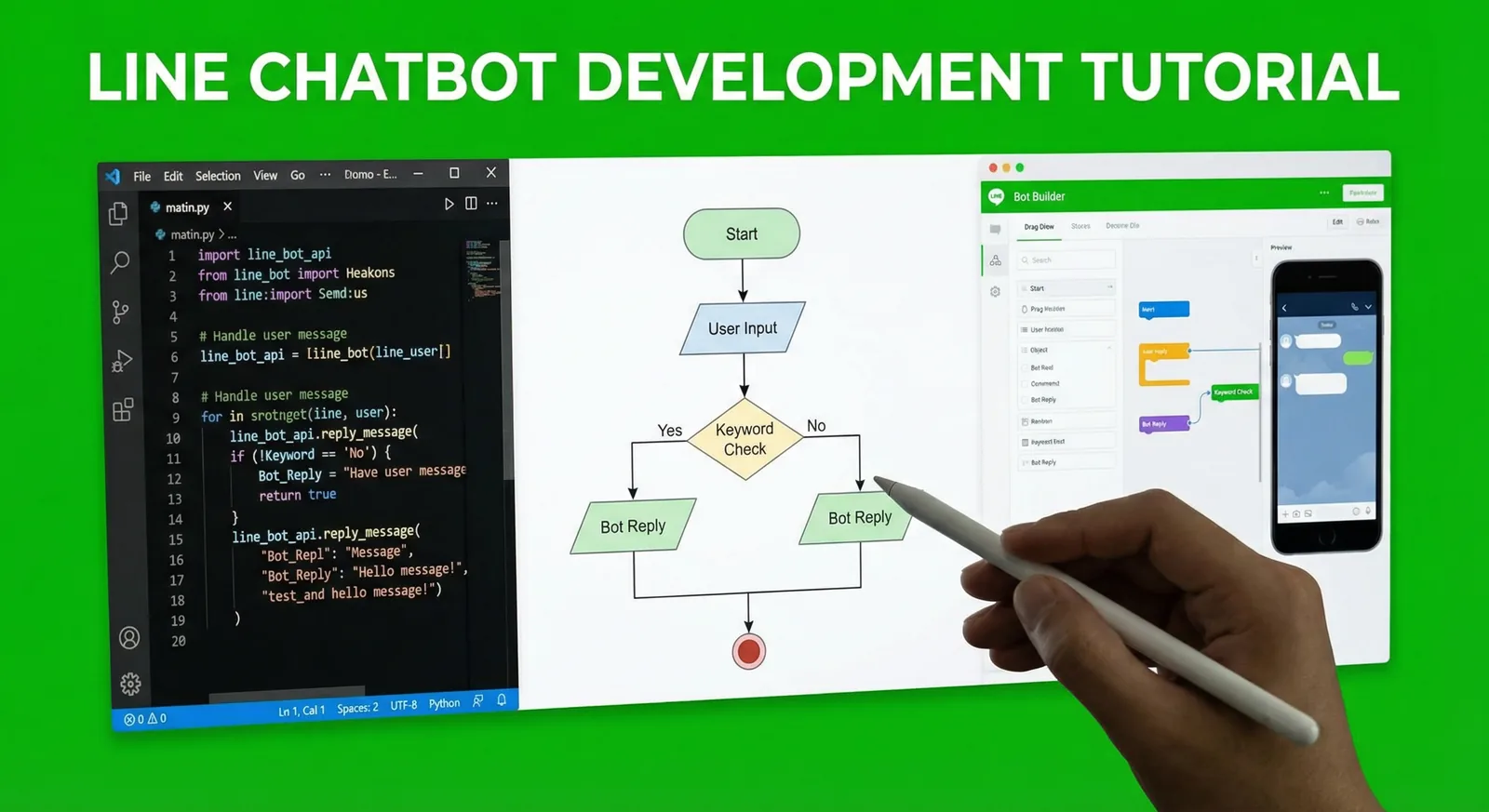
Build a LINE bot step by step with the Messaging API: enable the channel, verify webhook signatures, reply with Flex Messages and quick replies, run a booking flow with postbacks, add AI answers limited to your FAQ and deploy. Node.js (@line/bot-sdk v11) and Python (line-bot-sdk v3) code.
Read Article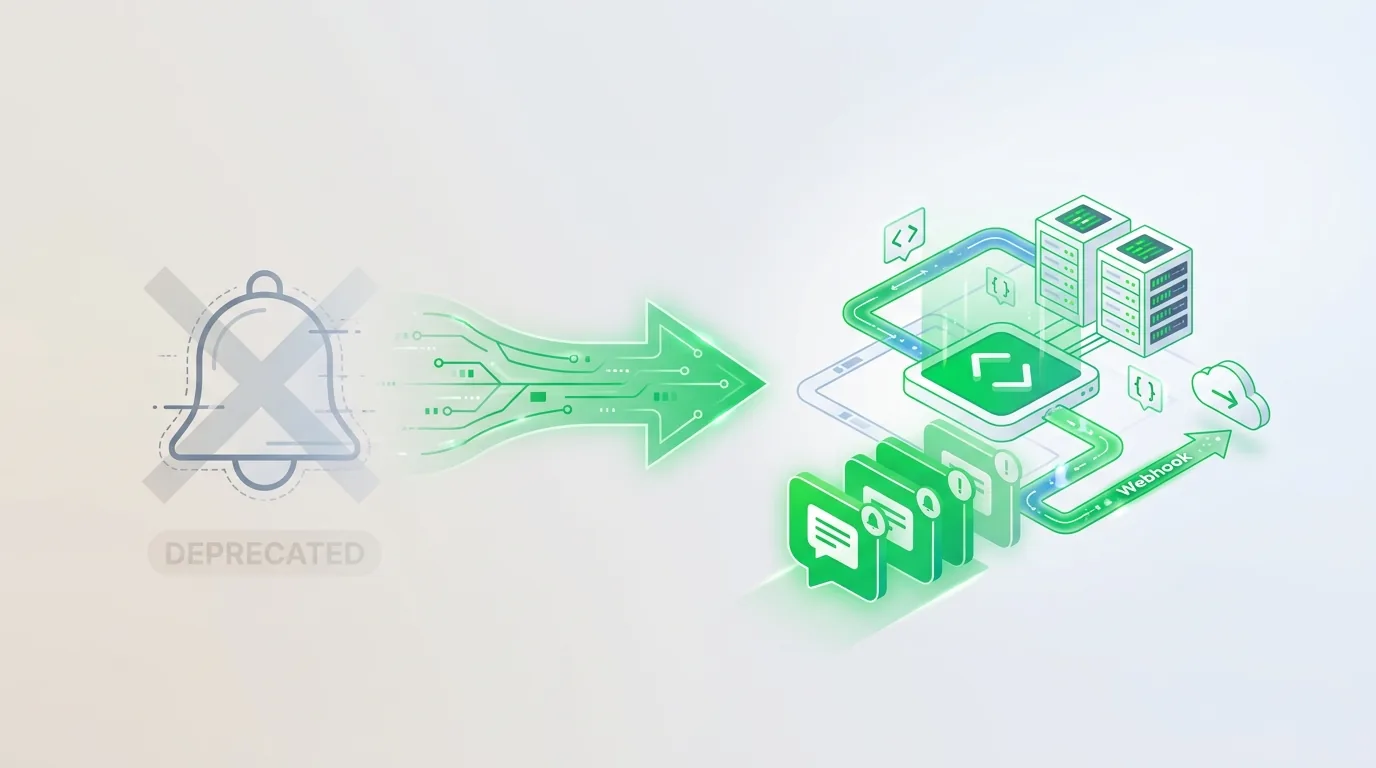
LINE Notify ended on March 31, 2025. What replaces it: Messaging API push messages from a LINE Official Account, manual broadcasts, or a non-LINE channel for internal alerts, with before/after code, group setup and October 2026 message costs in Thailand, Japan and Taiwan.
Read ArticleDescribe the workflow and the systems involved through the contact form. We'll reply with questions and, once it's clear, a written scope and quote.