1Common Challenges
The same five questions, all day
Price, opening hours, location, delivery, how to order. Every answer is typed by hand — and customers wait whenever the admin is off.
Connect your LINE Official Account, route customer questions to replies you approved, schedule your campaigns and create the visuals with AI — one workflow. Keyword replies cost 0 credits, and the AI never invents an answer.
Visual LINE agent
Sends only replies you approved
1–8
intents per LINE account
0
credits per keyword reply
1
credit per AI classification
24/7
replies in 1:1 chats
Built for LINE Official Accounts
LINE Messaging API
Free to start
50 credits at sign-up
TH · JA · ZH · EN
Thai, Japanese, Chinese, English
Most LINE Official Accounts are run by one or two people who answer the same questions, design every promotion and have to remember to press send.
Price, opening hours, location, delivery, how to order. Every answer is typed by hand — and customers wait whenever the admin is off.
Built-in keyword replies are usually plain text. A card with a picture, a short pitch and a button to the right page turns a question into the next step.
Campaign visuals get made at the last minute, and the broadcast goes out late — or not at all.
Generative chatbots can answer with prices or promises you never made. On a business account, one wrong answer costs more than the time it saved.
When a customer asks for a human, a bot that keeps replying is worse than no bot at all.
LineBot.pro is pay-as-you-go: keyword replies are free, credits come in one-time packs with no subscription, and they don't expire.
Everything is self-serve. Most of the time goes into choosing which questions deserve an automated answer.
Sign in with LINE or an email link and get 50 free credits. No card, no subscription.
Paste your Messaging API Channel ID, Channel secret and access token, then add the webhook URL we show you in LINE Developers and turn on Use webhook.
Create the reply messages with AI, add 1–8 intents with up to 15 keywords each, and schedule the campaigns you have planned.
Try customer phrases in the free simulator, activate, then follow the daily counters: replies sent, failed attempts and AI credits used.
Three jobs — answering, sending and creating — in one place, with the limits stated up front.
Group questions into 1–8 intents per LINE account, each with up to 15 keywords. Matching ignores case and full-width/half-width differences, and English keywords match whole words only — “hi” won't fire on “shipping”.
Each intent answers with a rich message you generated and approved: picture, headline, short text and a button. Creating one costs 8 credits; sending it as a reply costs nothing.
When no keyword matches, the AI may pick the closest intent — only if it is at least 85% confident, and only ever one of your approved replies. 1 credit per message the AI checks, with a daily cap you set.
Words like “human”, “แอดมิน”, “担当者” or “真人客服” pause automation for that customer only, so your team takes over in LINE's own chat. Resume them from the automation page.
Send to all friends or to a list of LINE user IDs, now or at the date and time you pick. Sending costs 0 credits; your LINE plan's monthly message quota applies.
One brief creates a wide banner, a rich message and a 3-button compact rich menu together (26 credits for the full kit). Your brand profile — colour, tone and rules — is applied to every image.
Create content in Thai, Japanese, Traditional Chinese or English; the language of your prompt is detected. Keywords and handoff phrases work in any language you type.
Test what a customer might type before going live — the simulator is free and sends nothing. Once active, daily counters show replies sent, failures and AI credits spent.
Automation starts switched off. Before you activate it, LINE validates every reply message, so a broken message never reaches a customer.
Create a message once, then use it to answer questions and to run campaigns. Each step links to the tool, and to a guide if you want the background.
1 · Create
Generate the rich messages your replies and campaigns will use — or a full kit (banner, rich message, rich menu) from one brief in AI Studio.
2 · Answer
Map each common question to one of those messages, test it in the simulator, then activate. Short of wording ideas? Start from these LINE auto-reply message examples.
3 · Send
Pick an approved message, choose all friends or a list of user IDs, and schedule it. Before a big send, read how LINE counts broadcast messages.
Prefer to start with LINE's built-in tools? Here is how to set up auto replies in LINE Official Account Manager.
| Action | Cost |
|---|---|
| Keyword reply | 0 credits |
| Message checked by AI routing | 1 credit (daily cap) |
| Rich message created with AI | 8 credits |
| Content kit: banner + rich message + rich menu | 26 credits |
| Campaign send | 0 credits (LINE quota applies) |
| Failed generation | Refunded automatically |
50 free credits at sign-up, no card. After that, one-time credit packs with no subscription, and credits don't expire (see pricing). Replies don't count toward your LINE monthly message quota; campaign sends do.
Starting points you can copy. Each intent answers with one rich message you approved.
Menus, opening hours and the way to book.
Shipping, sizes and the current promotion.
Prices, booking and a quick route to staff.
Practical information, without medical advice.
Intakes, fees and trial classes.
Listings, viewings and an agent when needed.
0
The AI only chooses among replies you approved — or leaves the chat to your team.
0
And replies don't use your LINE monthly message quota.
20
Set anywhere from 0 to 200 credits per LINE account, so AI routing can't run up a bill.
24/7
Replies at 3 a.m. too — and pauses instantly for anyone who asks for a person.
Start with a comprehensive analysis of your LINE presence
Professional audit of your LINE presence with actionable recommendations
For complex setups or several accounts, tell us what you need and we will scope a tailored audit with you.
Contact UsThree jobs. It replies to common questions in 1:1 chats (keywords → a rich message you approved, with optional AI routing), sends scheduled campaigns to all friends or to a list of user IDs, and creates the visuals for those messages with AI. It does not run conversation trees, AI-written answers or step sequences.
No. The AI only decides which of your approved replies fits a message that matched no keyword, and only when it is at least 85% confident. Otherwise it stays silent and your team answers. It never invents prices, promises or links.
Keyword replies cost 0 credits. AI routing costs 1 credit per message it classifies, capped by a daily limit you choose (20 by default, up to 200). Creating a rich message with AI costs 8 credits and sending a campaign costs 0 credits. You start with 50 free credits, then buy one-time credit packs — no subscription, and credits don't expire.
No. Replies to a customer's message go out through LINE's reply API, which is not counted in your LINE Official Account's monthly message quota. Campaign sends — to all friends or to a list of user IDs — are counted per recipient.
Handoff keywords such as “human”, “แอดมิน”, “担当者” or “真人客服” — plus any you add — pause automation for that customer only. Your team replies in the LINE Official Account chat as usual, and you resume automation for that customer from the automation page. LineBot.pro has no inbox of its own.
No coding is needed, but you need access to LINE Developers. Enable the Messaging API for your account in LINE Official Account Manager, copy the Channel ID, Channel secret and access token into LineBot.pro, then paste our webhook URL in the LINE Developers Console and turn on Use webhook.
It can. If LINE's own auto-response messages stay on for the same keywords, a customer may get two replies. Keep LINE's greeting message, and switch off overlapping auto-responses once your LineBot.pro intents are active.
No. Automation answers text messages in 1:1 chats with your LINE Official Account. Stickers, photos and group conversations are skipped, so your team handles them in the chat.
Get a free consultation: tell us what you want to do on LINE and we'll recommend the right tools or quote the custom work.
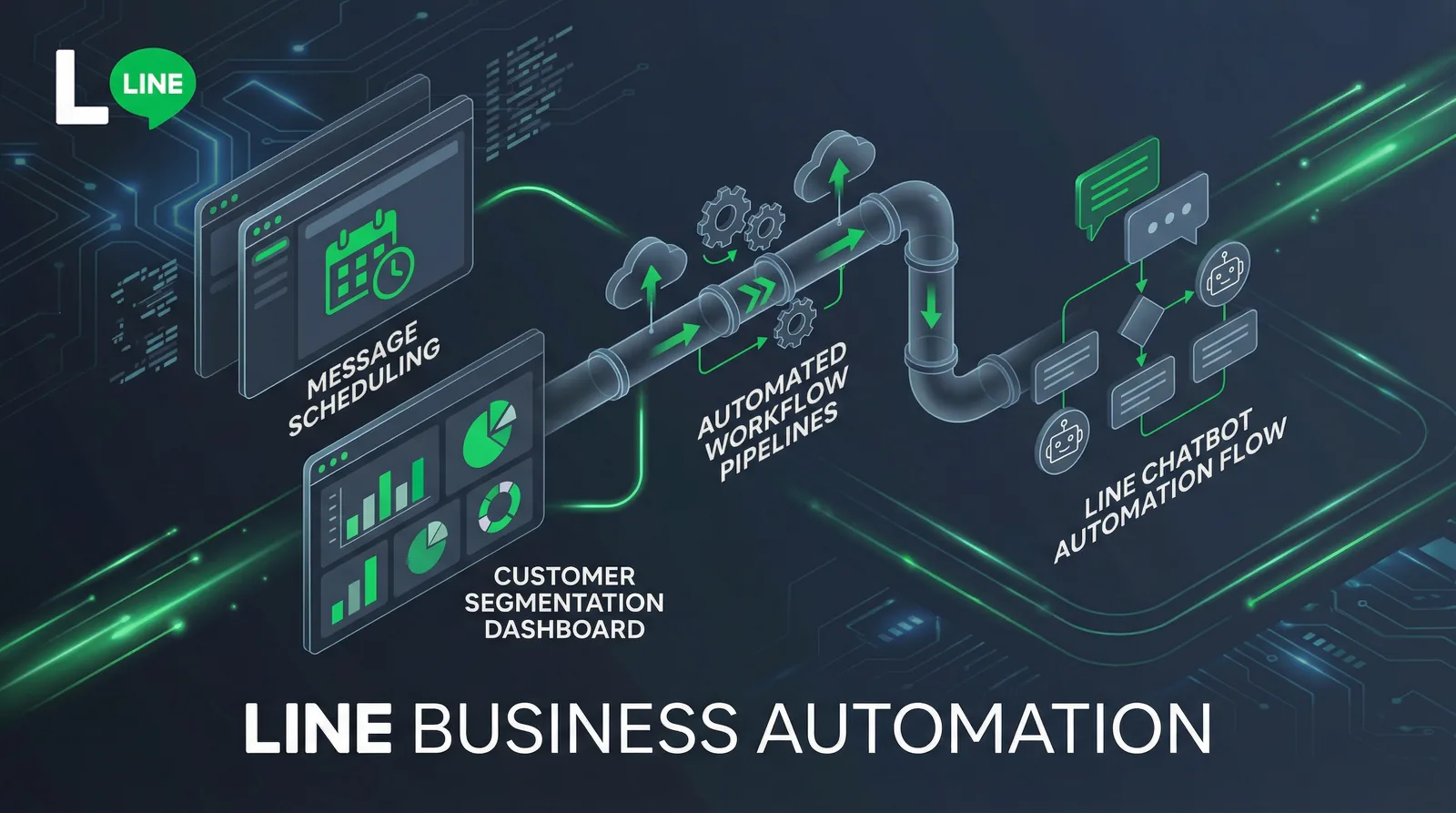
How to set up auto replies on a LINE Official Account: response settings, greeting message, keyword and default replies, after-hours messages, LINE's AI Chatbot (β) in Thailand, Japan and Taiwan, and when a webhook bot makes sense.
Read Article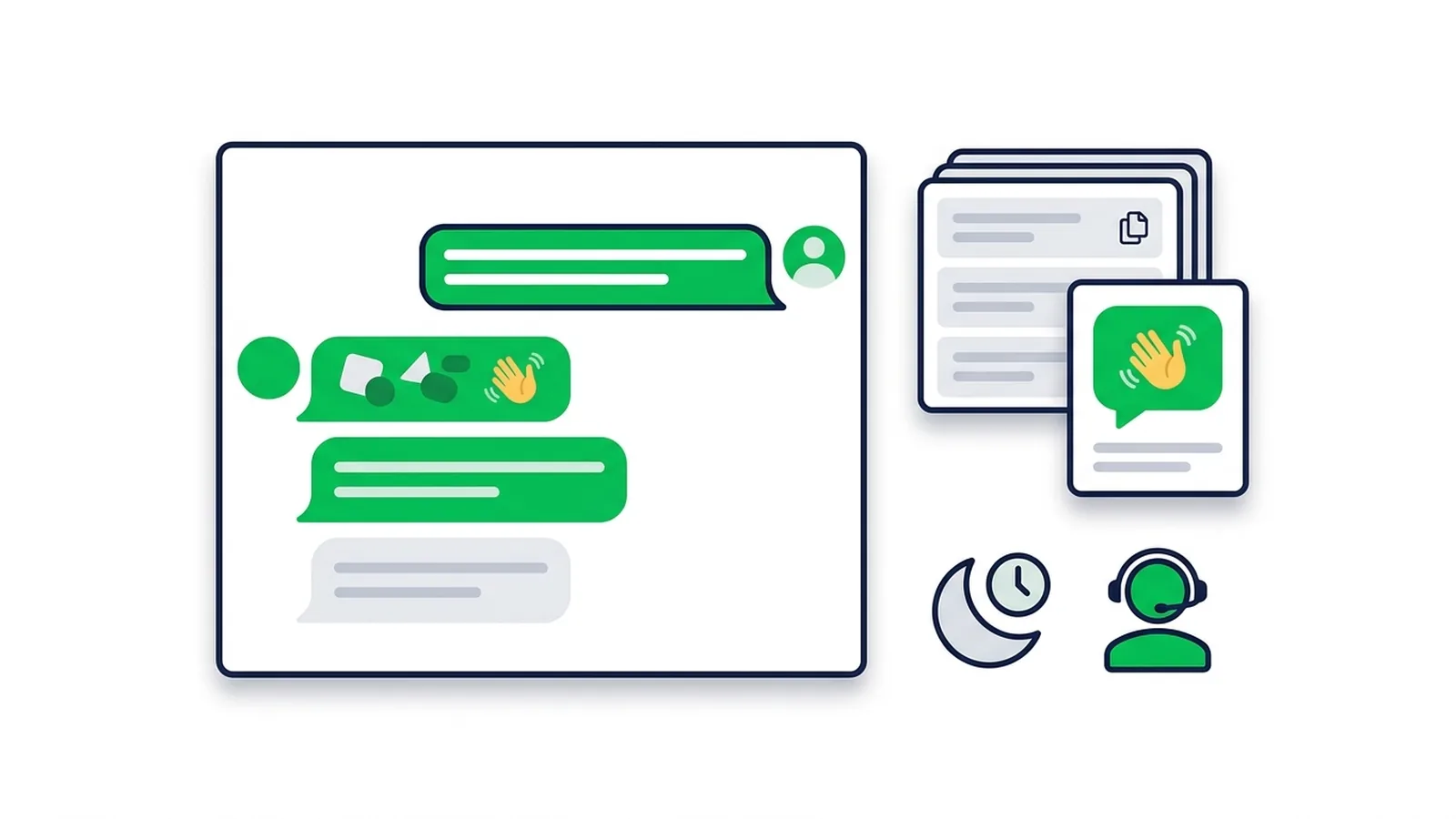
Copy-paste templates for every automatic message a LINE Official Account sends: greeting (welcome) messages by industry, keyword replies, after-hours and holiday notices, staff handoff, chat scripts for admins and follow-ups, checked against LINE's rules as of October 2026.
Read Article
How to send a broadcast from LINE Official Account Manager on the web and in the app, which message types and filters you can use, how LINE counts messages against your monthly quota, image sizes, timing tips and ready-to-adapt examples.
Read ArticleStart with 50 free credits: create your first reply messages, test them in the simulator, and activate when you're ready.