LINE Auto-Reply & Greeting Message Examples (50 Templates)
Copy-paste templates for every automatic message a LINE Official Account sends: greeting (welcome) messages by industry, keyword replies, after-hours and holiday notices, staff handoff, chat scripts for admins and follow-ups, checked against LINE's rules as of October 2026.
#Types of LINE OA Automatic Messages
The best LINE OA auto-replies answer in the first line, tell the customer what to do next and sound like your brand. Below are 50 copy-ready templates: greeting (welcome) messages by industry, keyword replies, after-hours and holiday notices, staff handoff, chat scripts for admins and follow-ups, plus the LINE rules that decide whether they are sent at all.
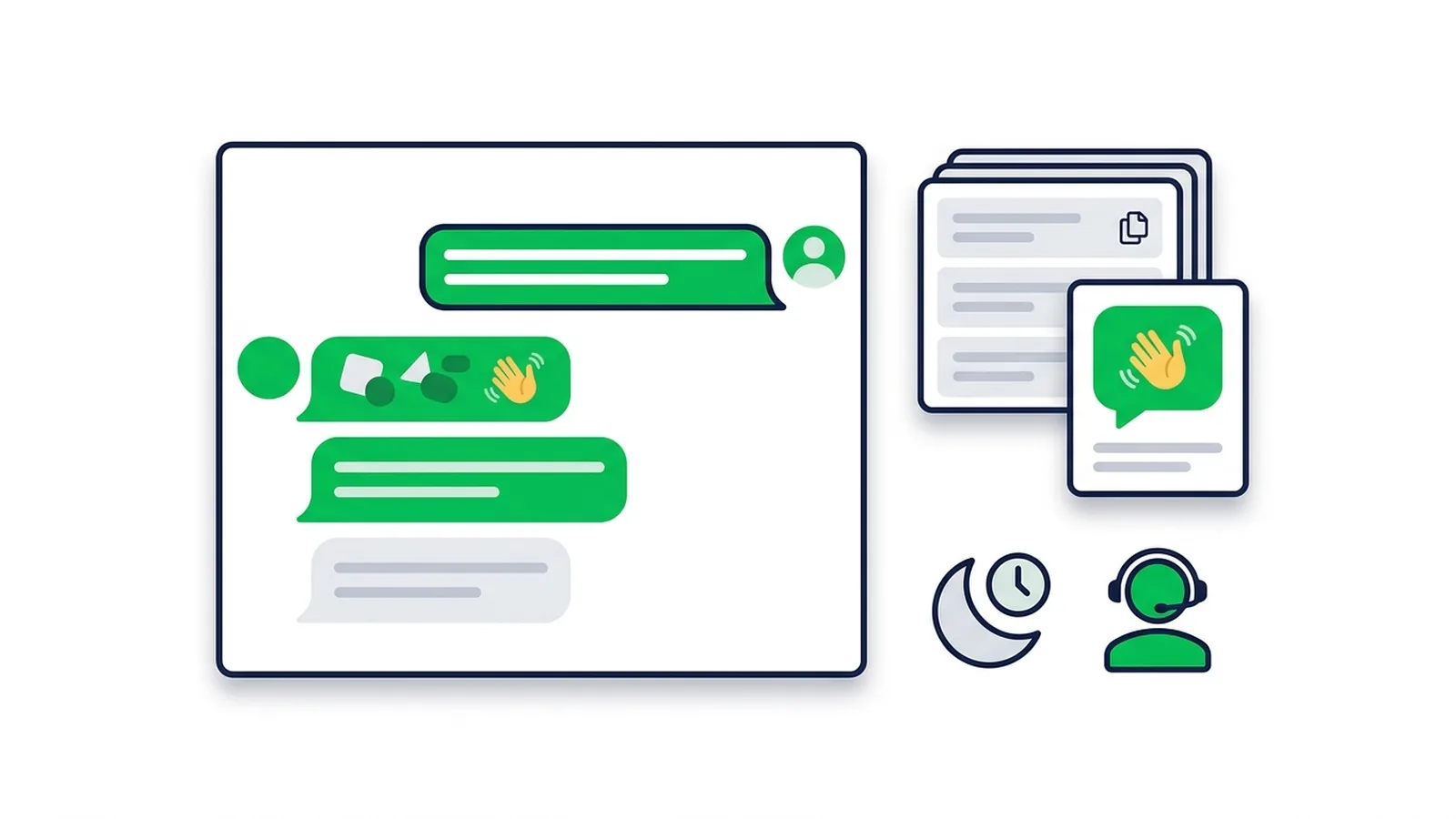
A LINE Official Account can answer automatically in five ways:
| Type | When it is sent | Best for |
|---|---|---|
| Greeting message | When someone adds your account as a friend | Welcome, keywords to try, a pointer to the rich menu (up to 5 bubbles) |
| Keyword auto-reply | When a message matches a keyword exactly | Prices, menu, hours, map, payment details |
| Reply-to-all auto-reply | Any message that matches no keyword; can be scheduled | After-hours, holidays, "we got your message" |
| LINE's AI chatbot (beta) | Answers from a Q&A list you register | Paid add-on; name and price vary by country |
| Bot via Messaging API | Your webhook receives the message and replies | Flexible keywords, card replies, staff handoff |
What to know before you write (as of October 2026):
- Keywords must match exactly. A keyword reply fires only when the message is identical to the keyword: set "price" and a customer typing "what's the price?" gets nothing. One auto-reply can hold up to 51 keywords, so register every variant (LINE manual).
- Keyword replies win. Without a keyword match, LINE sends a reply-to-all message scheduled for a date range first, then one with a daily time window, then an unscheduled one. That is why a holiday notice overrides your after-hours message (LINE Thailand help center).
- They are free. Greeting messages, auto-replies, 1:1 chat and Reply API messages don't use your monthly message quota; broadcasts, step messages and push messages do (LINE Japan plans).
- LINE's own AI is a paid beta. Thailand: แชทบอต AI (Beta), only for OA Chat Package subscribers at ฿555/month. Japan: AIチャットボット(β), which needs the Chat Pro option at ¥3,000/month excluding tax; the older AI auto-response ended on 29 November 2023 (LY Corporation). Taiwan: AI聊天機器人(β)with the 聊天進階方案 at NT$100/month (LINE Biz-Solutions).
- "Chat mode vs Bot mode" is history. Since late 2022 you can use chat and webhooks together (LINE Developers). What matters now is Settings > Response settings: with chat on, choose a response method that includes auto-replies, or they won't be sent.
If your customers write full sentences that no keyword list can keep up with, a LINE chatbot that matches keywords inside sentences and routes the rest with AI is the next step (details at the end). This article is about the words; for the clicks, follow the LINE auto reply setup guide.
#8 Rules for Auto-Replies People Actually Read
- Answer in the first line. It is what shows in the chat list and the notification. Price, time or link first; pleasantries second.
- Keep bubbles to 2–5 lines. A greeting can hold up to 5 bubbles, but two or three get read. Split topics instead of writing one long block.
- Greet by name, in greeting messages. The greeting editor can insert the friend's display name (shown as {Nickname} in LINE's manual) and your account name ({AccountName}). Put "Hi" before it, because display names are often nicknames. LINE also notes that messages containing a display name may not reach some users, such as those who haven't accepted LINE's privacy policy (LINE manual).
- Tell people what to type, then make it tappable. List 3–5 keywords in the greeting and set rich-menu buttons to send exactly the same text. A tap always matches.
- One voice for the whole account. Auto-replies don't know who is on shift. If you also reply in Thai, pick ค่ะ or ครับ for the brand rather than per admin; in Japanese, stay in です・ます.
- 1–3 emoji per message, as signposts (📍 ⏰ 💳), and never as keywords.
- One action per message. One link or one instruction. If you need an image and buttons, send a card (rich message or card message) instead of a wall of links.
- Promise only what is true. Give real reply times ("by 10:00 tomorrow"), say how often you will message, never ask for OTPs or passwords in chat, and if you run a clinic, avoid promising results: medical advertising rules restrict it.
In every template, [square brackets] mark details you replace, and {Nickname} marks the name you insert with LINE's button (don't type the braces yourself).
#Greeting (Welcome) Message Examples by Industry
A greeting that works has three parts: thanks, what being a friend gets them, and what they can do right now.
#Restaurants and cafes
1) Restaurant: menu, booking, directions
Hi {Nickname}, thanks for adding [Restaurant name]! 🙏
- 📖 Type "menu" for dishes and prices
- 📅 Type "book" to reserve a table
- 📍 Type "map" for directions
Or just tap the menu below ⬇️
2) Cafe: new drinks, low frequency
Welcome to [Cafe name], {Nickname} ☕
We'll message you about new drinks and LINE-only offers, no more than twice a month.
Type "hours" for opening times or "parking" to see where to park.
#Beauty and health
3) Hair salon
Hi {Nickname}! Thanks for following [Salon name] ✨
- 💇 Type "book" to choose your stylist and time
- 💰 Type "price" for cut, colour and treatment prices
- 📸 Type "styles" to see recent work
Weekends fill up fast, so book 1–2 days ahead.
4) Nail or lash studio
Welcome, {Nickname} 💅
Send us a photo of the design you like and we'll reply with the time and price. Type "book" to grab a slot.
5) Aesthetic clinic
Hello {Nickname}, thank you for following [Clinic name].
Type "consult" to ask our doctors a question or "appointment" to book a visit.
Every treatment starts with a doctor's assessment, and results vary from person to person.
6) Dental clinic
Hello from [Clinic name] 🦷
- Type "appointment" to book a check-up
- Type "fees" for our standard prices
- Type "insurance" to ask about coverage
Severe pain or swelling? Please call [phone] right away.
#Shops
7) Online shop
Thanks for adding [Shop name], {Nickname} 🛍️
- Order: send a screenshot + size + colour right here
- Type "size" for the size chart
- Type "shipping" for costs and delivery times
Friends hear about restocks first.
8) Retail store
Welcome to [Store name] 🎉
New-friend gift: [your offer, e.g. 10% off when you show this chat at the counter], valid until [date].
Type "stores" for locations and opening hours.
#Real estate and education
9) Real estate project
Hi {Nickname}, thanks for your interest in [Project name] 🏡
- Type "price" for unit types and starting prices
- Type "visit" to book a viewing
- Type "loan" for an estimated monthly payment
Our sales team replies every day, [9:00–18:00].
10) Language school or tutoring centre
Welcome to [School name] 📚
Type "courses" for all programmes, "schedule" for classes with open seats or "trial" to book a trial lesson.
Tell us the student's level or goal and a teacher will recommend the right course.
#LINE group and OpenChat welcome messages
A LINE OA greeting message is sent when someone adds your account as a friend, not when someone joins a group. To welcome new group members:
- OpenChat: admins can set a greeting for new members in OpenChat's bot settings (auto-reply), alongside scheduled messages and keyword replies triggered by "/keyword". Set it up on the main device (LINE Help Center).
- Regular LINE groups: invite a LINE OA connected to a Messaging API bot. The bot receives a member-join event and can reply with a welcome message. Joining groups must be enabled in the LINE Developers Console (it is off by default), and only one LINE OA can be in a group at a time (LINE Developers).
11) Group welcome, sent by a bot
Welcome to [group name] 🎉 Three quick rules:
- No ads or selling
- Don't post personal details (address, phone)
- Important updates are pinned in the group announcements
Questions about an order? Message [Shop name]'s LINE OA directly.
12) OpenChat greeting
Welcome to the [community name] OpenChat 😊
Type /rules for the room rules or /events for upcoming events.
For orders and personal questions, please message our LINE OA privately rather than posting in the room.
#Keyword Auto-Reply Examples
Each template lists the keywords to register. Because LINE needs an exact match, add the short and long versions customers actually type.
13) Price (keywords: price, prices, how much, cost, rates)
💰 All our packages and prices are here 👉 [link]
Need a quote for a larger order? Type "quote" and we'll prepare one.
14) Menu (keywords: menu, food menu, drinks menu)
📖 Full menu with prices 👉 [link]
This month's pick: [dish] ⭐ Type "book" to reserve a table.
15) Opening hours (keywords: hours, opening hours, open today, what time, closed)
⏰ We're open [Mon–Fri 10:00–20:00] and [Sat–Sun 9:00–21:00], closed every [Wednesday].
Holiday changes are announced in this chat.
16) Location and parking (keywords: map, address, location, directions, parking)
📍 [Shop name], [short address], near [landmark, e.g. BTS Ari, exit 3].
Google Maps 👉 [link]. Parking: [number] spaces in front, or [nearby car park].
17) Booking (keywords: book, booking, reserve, appointment, available)
📅 Two ways to book:
- Online form 👉 [booking link]
- Or send name / date / time / number of people here
We confirm within [30 minutes] during opening hours.
18) Shipping (keywords: shipping, delivery, shipping cost, free shipping)
🚚 Shipping is [fee]; free on orders over [amount].
Orders paid before [14:00] ship the same day and usually arrive in 1–3 working days with [carrier].
19) Order tracking (keywords: tracking, track, where is my order, shipped)
📦 Send the name or phone number used for your order and we'll reply with your tracking number.
Already have it? Track it here 👉 [carrier tracking link]
20) Payment methods (keywords: payment, pay, how to pay, credit card, cash on delivery)
💳 You can pay by:
- Bank transfer or PromptPay (type "bank")
- Card, through a secure payment link
- Cash on delivery (+[fee])
21) Bank details, with a fraud warning (keywords: bank, bank account, account number)
🏦 [Bank] · [account number] · Account name: [registered company name]
⚠️ This is our only account. We never ask for an OTP or send another account number. If you receive one, check with us here before paying.
22) Payment confirmation (keywords: paid, transferred, slip, payment done)
🙏 Thank you! Please send the transfer slip and your delivery address here.
We'll confirm your order within [1 hour] during opening hours.
23) Promotions (keywords: promo, promotion, discount, sale, coupon)
🎁 This month: [offer] until [date].
Details and conditions 👉 [link]. We always confirm the final price before you pay.
24) Stock and sizes (keywords: in stock, available, restock, size)
👗 Send the product photo or code + size + colour and we'll check live stock for you.
Size chart 👉 [link]. Measuring yourself and comparing gives the best fit.
25) Returns and exchanges (keywords: return, exchange, wrong size, defect)
🔄 Returns and exchanges are accepted within [7] days of delivery, unused and with tags.
Send your order number, a photo and the reason here and we'll guide you through the next step.
26) Receipts and tax invoices (keywords: receipt, invoice, tax invoice, VAT)
🧾 For a full tax invoice, please send:
- Company name and tax ID (+ branch)
- Registered address
- Order number
We'll email it within [3] working days.
27) Catch-all reply (reply-to-all message, no keywords)
Got your message 😊 Our team replies in order, usually within [15 minutes].
Meanwhile, type "price", "hours" or "map" for instant answers.
A reply-to-all message answers every message that matches no keyword, so a customer who sends five short lines gets it five times. It works best outside opening hours.
#After-Hours and Holiday Message Examples
Set these as reply-to-all messages with a schedule (for example every day 20:00–09:00), or let them run outside the response hours of your chat settings. Give long holidays a date-range schedule: date-range messages take priority over daily ones.
28) Standard after-hours
Thanks for your message 🌙 We're closed right now (open [daily 9:00–18:00]).
Leave your question here and we'll reply by [10:00] on the next working day.
29) After-hours with self-service
Our team is offline, but these answers work 24/7:
- "price" for prices
- "book" to book ahead
- "tracking" for your order status
For anything else, leave a message and we'll answer from [9:00].
30) Weekly day off
We're closed today (every [Monday]) 🙏
Back tomorrow at [10:00]. Leave a message and you'll be first in line.
31) Public holiday
Happy [Songkran / Lunar New Year]! 🎉 We're closed [dates] and back on [date].
Orders paid during the break ship from [date], in order of payment.
32) Year-end closure
🎊 [Shop name] is closed for New Year, [31 Dec–2 Jan].
Carriers are off too, so orders ship from [3 Jan]. Thank you for a great year!
33) Temporary closure
Heads-up: we're closed [dates] due to [renovation / severe weather] 🛠️
Online orders still work 👉 [link]. Sorry for the inconvenience.
#Handoff Messages: Passing the Chat to Staff
Register these as keyword replies for words like "staff", "admin", "human" or "talk to someone", and add a "Contact us" rich-menu button that sends the same word.
34) Talk to staff, during opening hours (keywords: staff, admin, human, talk to someone)
Sure 🙋 A team member will reply in this chat within [10 minutes].
Add details or photos now so we don't need to ask twice.
35) Talk to staff, after hours
Request received. We're closed right now, so a team member will reply here [tomorrow from 9:00].
Urgent? Please call [phone].
36) Collect details first
To help you faster, please send:
- Your name (as on the order or booking)
- Order number, if you have one
- What happened, with a photo
#Chat Reply Scripts for Admins
These aren't automatic messages: they are scripts for the person who takes over the chat. Keep the structure (acknowledge, inform, offer options, close with a question) and adapt the words. LINE OA chat lets you save frequently used replies in advance and send them without retyping.
37) "How much is it?"
[Product] is [price], including [what's included].
What will you use it for? Tell me the size or quantity and I'll suggest the best-value option.
38) Discount request
Thanks for asking! This is already our LINE-friends price 😊
If you take [2 or more], I can [cover shipping / add a small gift]. Would that work for you?
39) Out of stock
Sorry, [item/size] is out of stock until about [date] 🙏
Two options: [similar item], which ships today, or I message you as soon as it's back. Which do you prefer?
40) Late delivery
I'm sorry your parcel is late 🙏 Order [number] is at [status/hub] and should arrive by [date].
Tracking: [number]. If it hasn't arrived by [date], I'll chase the carrier and update you here.
41) Damaged or wrong item
I'm really sorry. That's not what we want you to receive.
Please send a photo of the item and the box, and we'll [send a replacement / refund in full], whichever you prefer.
42) Service complaint
Thank you for telling us, and I'm sorry this happened.
Could you share [date, time and branch]? I'll check with the team and come back to you with a solution by [time].
43) Refund
Your refund request is confirmed 🙏 We refund within [7] working days after [we receive the item / approval].
Please send the account name, bank and account number for the refund. We never ask for OTPs or passwords.
44) Wrong transfer amount
Thanks! We received [amount] and the order total is [total], so it's [short/over] by [difference].
[Please transfer the difference to the same account / We'll refund the extra today.]
45) The customer went quiet
Hi, it's [name] from [Shop name] 😊 You asked about [item] yesterday, and the [colour/size] you wanted is still in stock.
Any questions, just reply here. I won't message you again about this.
#Thank-You and Follow-Up Message Examples
Replies to a customer's message are free, and so is a message you type to one customer in 1:1 chat. Sending the same follow-up to many friends at once is a broadcast and uses your monthly quota: see how to broadcast on LINE OA and how messages are counted.
46) Payment received
Payment received ✅ Thank you for your order!
Order [number] ships on [date]; we'll send the tracking number here.
47) Order shipped
📦 Your order is on its way! Tracking: [number] ([carrier]) 👉 [link]
When it arrives, we'd love a photo review 🙏
48) Appointment reminder
⏰ Reminder: [date] at [time] with [stylist/doctor].
Need to reschedule? Tell us here at least [3 hours] before. See you soon!
49) Thank you + review request
Thank you for visiting today 😊
If you enjoyed it, a short Google review helps us a lot 👉 [review link]. Anything we could do better? Tell us here directly.
50) Reorder reminder
Running low on [product]? 😊
Type "reorder" and we'll use your last delivery address. [Returning-customer perk, if any]
#Where to Paste These Templates
- Greeting message: in LINE Official Account Manager, open the greeting message editor (Settings > Response settings switches it on or off), paste the text, insert the friend's name with the editor button and save.
- Auto-replies: create a new auto-reply, choose keyword or reply-to-all, register every keyword variant, add a schedule for after-hours or holiday notices, then switch it on.
- Check Response settings: if chat is on, pick a response method that includes auto-replies.
- Test from your personal LINE: send every keyword, then a misspelt one, and check which reply answers.
For every screen and toggle, follow the LINE auto reply setup guide.
#When Keyword Lists Get Long: Card Replies and AI Routing
LINE OA Manager's auto-replies are perfect for a handful of questions. Past a few dozen keywords, the same three problems appear: customers phrase things differently, replies turn into walls of text, and there is no button to tap.
LineBot.pro's LINE chatbot handles all three without code:
- Keywords grouped by intent. Up to 8 intents per LINE account, 1–15 keywords each. A keyword matches anywhere in the message ("price" matches "what's the price for 2?"), and keyword matches cost 0 credits.
- Card replies, not walls of text. Each intent replies with a Rich Message card you have already approved: image, headline, short text and a button. Make the cards with the AI rich message maker for 8 credits each; the templates above make good prompts.
- Optional AI routing that never invents answers. For messages that match no keyword, AI picks one of your intents only when it is at least 85% confident. It costs 1 credit per message it checks, capped by a daily credit limit you set, and it can only send replies you approved: no made-up prices or promises.
- Human handoff. Phrases like "human" or "live agent" (defaults in English, Thai, Japanese and Chinese, editable) pause auto-replies for that customer only, so your team can take over in LINE OA Manager chat. Resume them from the automation page.
- Free simulator. Test any message before going live: nothing is sent and no credits are used. The bot starts switched off, and LINE validates each card before activation.
What it doesn't do: it doesn't send greeting messages (keep LINE's), it answers 1:1 text chats only (not groups), and you paste the webhook URL into the LINE Developers Console yourself. If you run it next to LINE's auto-replies, switch off LINE's keyword replies for words the bot handles so customers don't get two answers.
New accounts get 50 free credits with no card needed, enough for 6 reply cards. After that, buy one-time credit packs: no subscription, and credits don't expire. Set up your keyword bot
#Frequently Asked Questions
Q: Do LINE auto-replies and greeting messages count toward my message quota?
No. Greeting messages, auto-replies, 1:1 chat and Reply API messages are free in Thailand, Japan and Taiwan. Only messages your account initiates, such as broadcasts, targeted broadcasts, step messages and push messages, use the monthly quota.
Q: Why doesn't my keyword auto-reply work?
Usually one of four reasons: the message doesn't match the keyword exactly, the reply isn't switched on, it is scheduled for a different time, or chat is on and the response method doesn't include auto-replies. Register keyword variants and add rich-menu buttons that send the exact keyword.
Q: Can a personal LINE account send automatic replies?
No. Greeting messages and auto-replies are LINE Official Account features, and creating an account is free: see how to create a LINE Official Account.
Q: Can I set a welcome message in a LINE group?
A LINE OA greeting message is only sent when someone adds the account as a friend. OpenChat admins can set a greeting for new members in OpenChat's bot settings. In a regular group, a LINE OA connected to a Messaging API bot can reply to member-join events. LineBot.pro's bot answers 1:1 chats only.
Q: How many messages can a greeting message contain?
Up to 5 bubbles, mixing text, stickers, images, coupons, rich messages or card messages. Two or three usually work better: one to welcome, one to show what people can do.
Q: Does LINE have an AI auto-reply?
Yes, as paid beta add-ons that answer from a Q&A list you register: แชทบอต AI (Beta) with Thailand's OA Chat Package (฿555/month), AIチャットボット(β) with Japan's Chat Pro option (¥3,000/month excluding tax) and AI聊天機器人(β)with Taiwan's 聊天進階方案 (NT$100/month). LineBot.pro's AI routing is pay-per-message instead, 1 credit per message it checks, and it only sends replies you approved.
Next steps:
- Answer full-sentence questions with a LINE chatbot that uses keywords and AI routing
- Configure everything with the LINE auto reply setup guide
- Plan proactive messages with the LINE OA broadcast guide
- Turn replies into cards with the AI rich message maker
Related Services
About LineBot.pro
LineBot.pro is an AI tool for LINE Official Accounts: it creates Rich Menus, Rich Messages and banners, sends broadcast campaigns and runs keyword auto-replies. Our team writes these guides based on hands-on work with the LINE Messaging API.
Contact usRelated Articles
LINE Auto Reply Setup & Automation Guide (2026)
How to set up auto replies on a LINE Official Account: response settings, greeting message, keyword and default replies, after-hours messages, LINE's AI Chatbot (β) in Thailand, Japan and Taiwan, and when a webhook bot makes sense.
Read More
LINE OA Broadcast: How to Send, Quotas & Tips (2026)
How to send a broadcast from LINE Official Account Manager on the web and in the app, which message types and filters you can use, how LINE counts messages against your monthly quota, image sizes, timing tips and ready-to-adapt examples.
Read More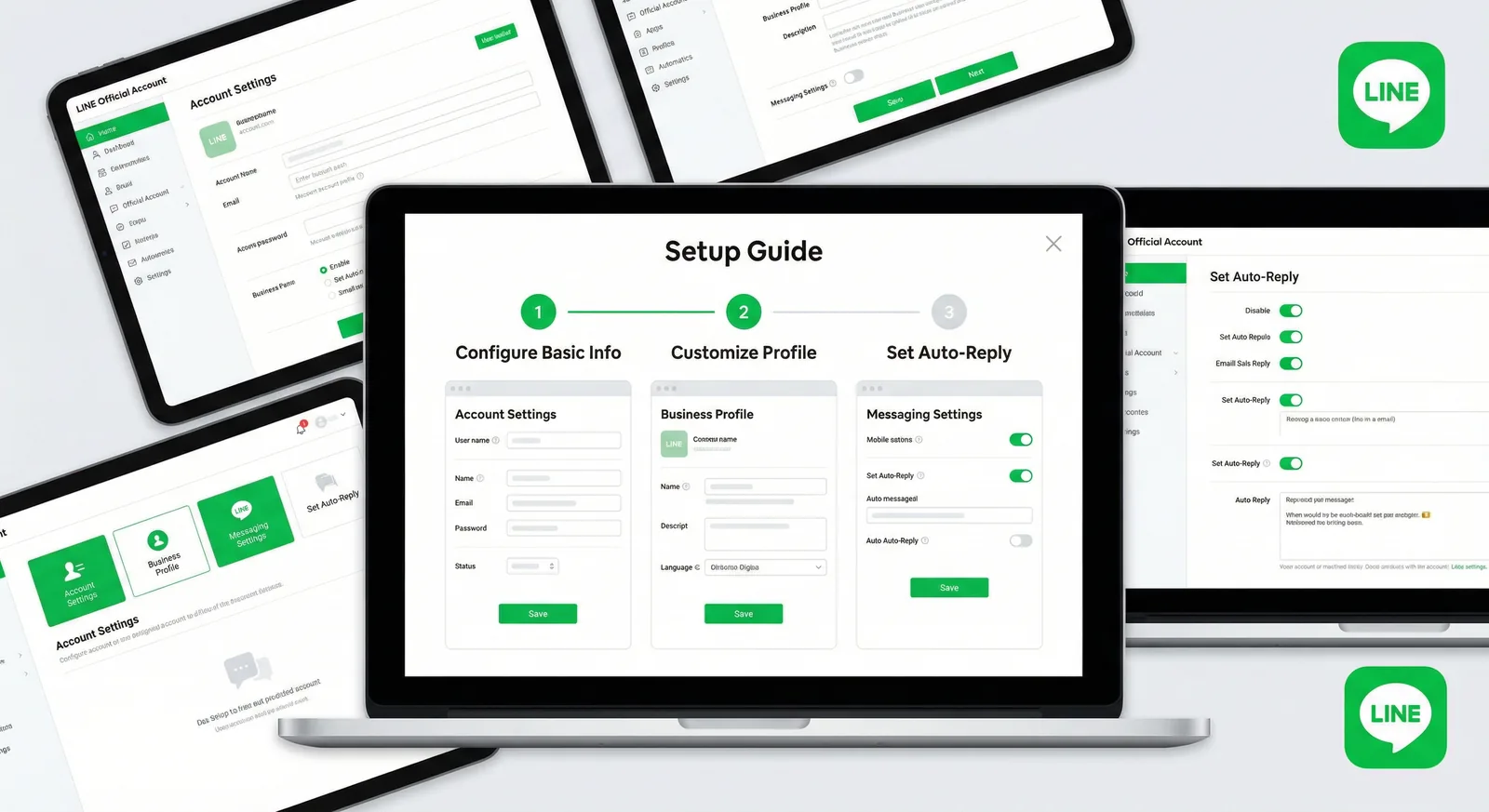
How to Create a LINE Official Account (LINE OA) in 2026
Open a free LINE Official Account step by step: web and app sign-up, the April 2026 badge changes, day-one settings, verification by country and a 10-point launch checklist.
Read MoreReady to Automate Your LINE Business?
Start automating your LINE communications with LineBot.pro today.