1Common Challenges
Flex Messages mean writing JSON
LINE's Flex format is powerful, but a card built by hand means nesting boxes, sizes and actions in JSON — and one missing bracket breaks the message.
Describe your offer or news. AI writes the copy, draws a 1200×675 header image and builds a valid LINE Flex Message with a headline, text and a button (plus "Call us" when you give a phone number). Broadcast cards like this from Campaigns or use them as automatic replies.
Your prompt
Dessert café in Bangkok. Mango sticky rice is back this week at all branches. Button: See the menu (link). Phone: 02 000 0000
Your Dessert Café
LINE Official Account
BACK THIS WEEK
Mango sticky rice is back
Now at all our branches, from this week.
1200×675
header image (px)
8
credits per card
0
credits to send
4
languages
Built for LINE Official Accounts
LINE Messaging API
Free to start
50 credits at sign-up
TH · JA · ZH · EN
Thai, Japanese, Chinese, English
What gets in the way when a business wants to send a proper card instead of plain text.
LINE's Flex format is powerful, but a card built by hand means nesting boxes, sizes and actions in JSON — and one missing bracket breaks the message.
Promo images with the headline drawn in look blurry on small screens, and a single typo means making the image again.
LINE OA Manager's rich message, card-based messages and Flex Messages have different sizes and send routes. Pick the wrong one and the design is wasted.
You bring the facts; AI handles the copy, the image and the JSON.
Write 10–1,000 characters: the offer or news, dates, the link for the button, and a phone number if you want a call button. Add your industry if you like.
Gemini writes a kicker, headline and short text in your customers' language. Nano Banana Pro draws a 1200×675 header with no text in it, so LINE renders the words crisply.
An AI reviewer checks the image and has it redrawn if needed. The Flex JSON is assembled by code and validated, using only links you typed. Failed generations are refunded automatically.
See it in a phone preview and copy the JSON. Broadcast the same kind of card from Campaigns, set it as a keyword reply, or hand the JSON to your developer.
A real LINE Flex Message bubble, not a flat picture.
A wide 16:9 header drawn for your business and offer, compressed for LINE. When your button has a link, tapping the image opens it too.
Kicker, headline and body are LINE text: sharp on every phone and editable in the JSON.
The main button opens your link or sends a text. Add a phone number and a "Call us" button appears under it.
Prices, dates, links and phone numbers come from your prompt or brand profile. The AI never invents a discount or a deadline.
Your AI Studio brand colour is used for the button and kicker, darkened when needed so the white button text stays readable.
Copy is written in your prompt's language (Traditional Chinese for Taiwan) in the tone of your brand profile.
The bubble is built and validated by code before delivery, ready for the Messaging API or LINE's Flex Message Simulator.
If a generation fails, the credits come back automatically. All your cards stay in History.
LINE messages with images and buttons come in several formats, often all called "rich messages". Here is what each format is, where it can be sent and how LineBot.pro makes it. For the full explanation with examples, read our LINE rich message guide.
| Format | What customers see | Image | How it's sent | On LineBot.pro |
|---|---|---|---|---|
| Flex Message bubble | A card: header image, kicker, headline, text, one button (+ optional call button) | 1200×675 header | Messaging API: LineBot.pro Campaigns, keyword replies or your developer | Rich Message generator · 8 credits |
| Imagemap message | One image split into 3–6 tap areas | 1040 px wide (square 1040×1040 for a 2×2 grid) | Messaging API (JSON) | AI assistant in AI Studio · 10 credits + 2 per assistant turn |
| Template message | A buttons card (up to 4 buttons), a yes/no confirm, or a carousel of 2–10 cards | Optional | Messaging API (JSON) | AI assistant in AI Studio · 8 credits + 2 per assistant turn |
| Rich message in LINE OA Manager | One image with tap areas | 1040×1040 for the square template (JPG/PNG, up to 10 MB) | Broadcast from LINE OA Manager | Not generated directly; a 2×2 imagemap image (1040×1040) fits OA Manager's square 2×2 template |
LINE facts as of October 2026: rich messages in LINE OA Manager use a 1040×1040 px image for the square template, JPG or PNG up to 10 MB (LINE for Business image specifications). Flex Messages are built from containers, blocks and components and sent with the Messaging API (LINE Developers: Flex Messages). Paste any Flex JSON into LINE's free Flex Message Simulator to check it.
Sending through LineBot.pro costs no credits. LINE still counts the messages you broadcast against your plan's monthly quota — see LINE Official Account pricing and message quotas.
Pick your LINE account, write the message, preview the card, then send it to all friends or a pasted list of user IDs, now or at a scheduled time. Delivery status and your remaining LINE quota are shown. More on our LINE broadcast tool and on how LINE counts broadcast messages.
Set the card as the answer to keywords like "promo" or "menu" in the visual LINE agent. Keyword replies cost 0 credits, and replies don't use your message quota. See the LINE chatbot with keyword replies.
Paste the Flex JSON into LINE's Flex Message Simulator to check it, or give it to your developer to send with the Messaging API. Need something built around it? Ask about custom LINE API development.
50 free credits = 6 rich messages
Each card costs 8 credits, refunded automatically if the generation fails. Sending from Campaigns costs no credits. Need more? One-time credit packs: no subscription, and credits don't expire.
Moments where a card works better than plain text. Put the facts in your prompt; the AI writes and designs the rest.
New dishes, weekend promotions and holiday hours.
Restocks, sales and new collections.
Monthly promotions and rebooking reminders.
Open days, new intakes and timetable changes.
Project launches and viewing weekends.
Service campaigns and test-drive events.
1200×675
Wide 16:9 artwork made for chat, with no text baked in.
8
No subscription; failed generations are refunded.
0
Campaign sends are free on LineBot.pro; LINE's quota applies.
4
Thai, Japanese, Traditional Chinese and English.
Start with a comprehensive analysis of your LINE presence
Professional audit of your LINE presence with actionable recommendations
For complex setups or several accounts, tell us what you need and we will scope a tailored audit with you.
Contact UsNo, it's a different format. LINE OA Manager's rich message is a single image (1040×1040 px for the square template) with tap areas, built inside OA Manager. Our Rich Message generator makes a Flex Message: a card with a 1200×675 header image, real text and buttons, sent through the Messaging API. If you need the OA Manager-style format, the AI assistant in AI Studio can make imagemap messages (1040 px wide).
Connect your LINE Official Account (Channel ID, channel secret and access token), open Campaigns and write the message there: the card is created the same way, then you send it to all friends or to a pasted list of user IDs, now or at a scheduled time. Sending costs 0 credits; LINE's monthly message quota still applies.
Yes. In the visual LINE agent, choose a rich message as the reply to a set of keywords such as "promo" or "menu". Keyword replies cost 0 credits and are sent as replies, which don't count toward your monthly message quota. Optional AI routing for messages that match no keyword costs 1 credit per message it checks.
The header image is 1200×675 px (16:9). The kicker, headline, text and buttons are rendered by LINE as real text, so they stay sharp on every phone and can be edited in the JSON. If you prefer a square header, ask the AI assistant in AI Studio.
Not with the Rich Message generator: it makes one bubble. For several cards, the AI assistant can create a template message carousel (2 to 10 cards) to send with the Messaging API.
No. It only uses facts from your prompt or brand profile: prices, dates, links and phone numbers. Without an offer, the card presents your business instead, and a "Call us" button appears only when you include a phone number.
8 credits per card, refunded automatically if the generation fails. New accounts get 50 free credits — enough for 6 cards — with no credit card. After that, one-time credit packs: no subscription, and credits don't expire.
Get a free consultation: tell us what you want to do on LINE and we'll recommend the right tools or quote the custom work.
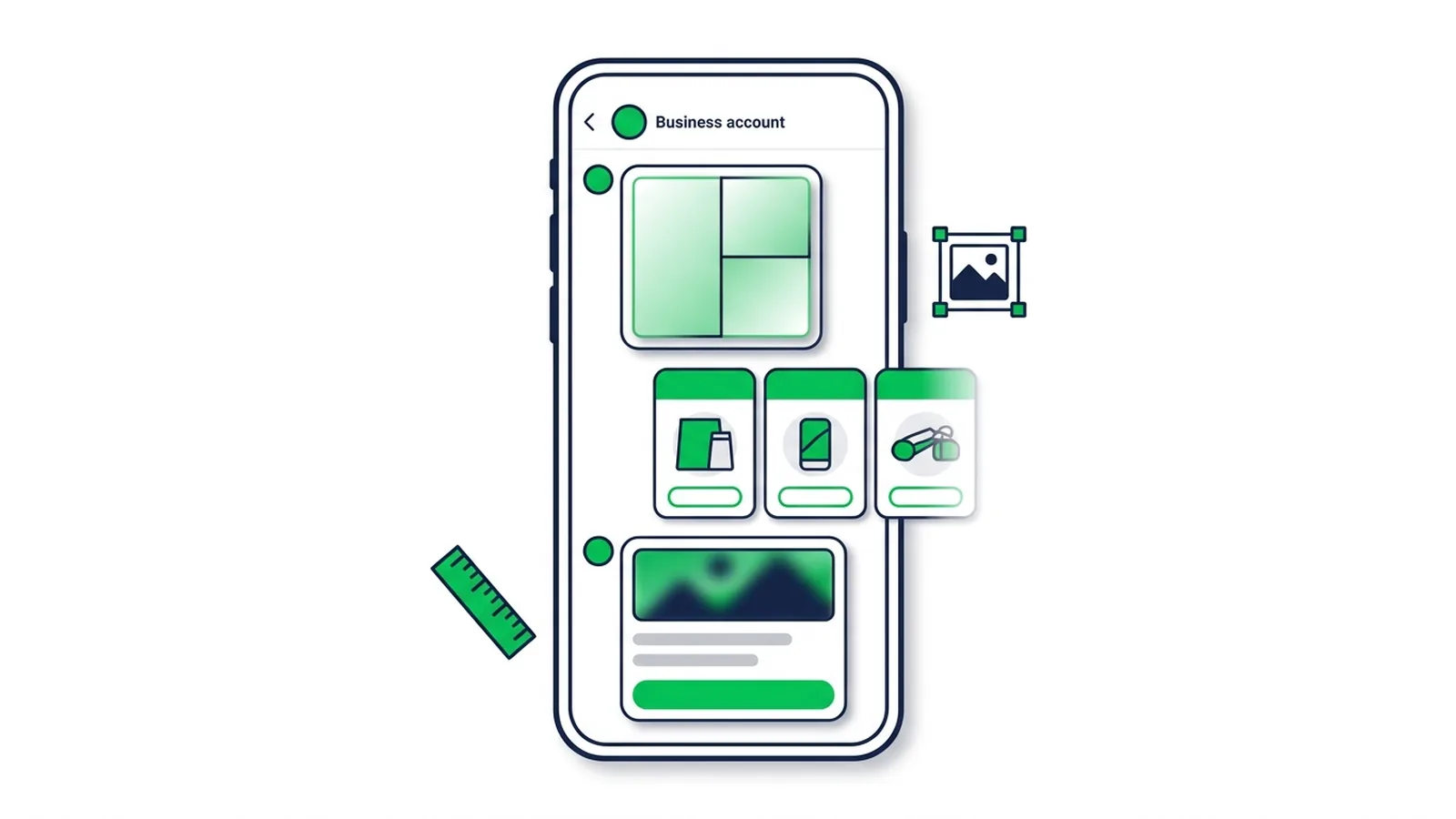
What a LINE rich message is and how it differs from card-based, rich video and Flex Messages — with LINE's official sizes, limits and step-by-step setup for each format.
Read Article
How to send a broadcast from LINE Official Account Manager on the web and in the app, which message types and filters you can use, how LINE counts messages against your monthly quota, image sizes, timing tips and ready-to-adapt examples.
Read Article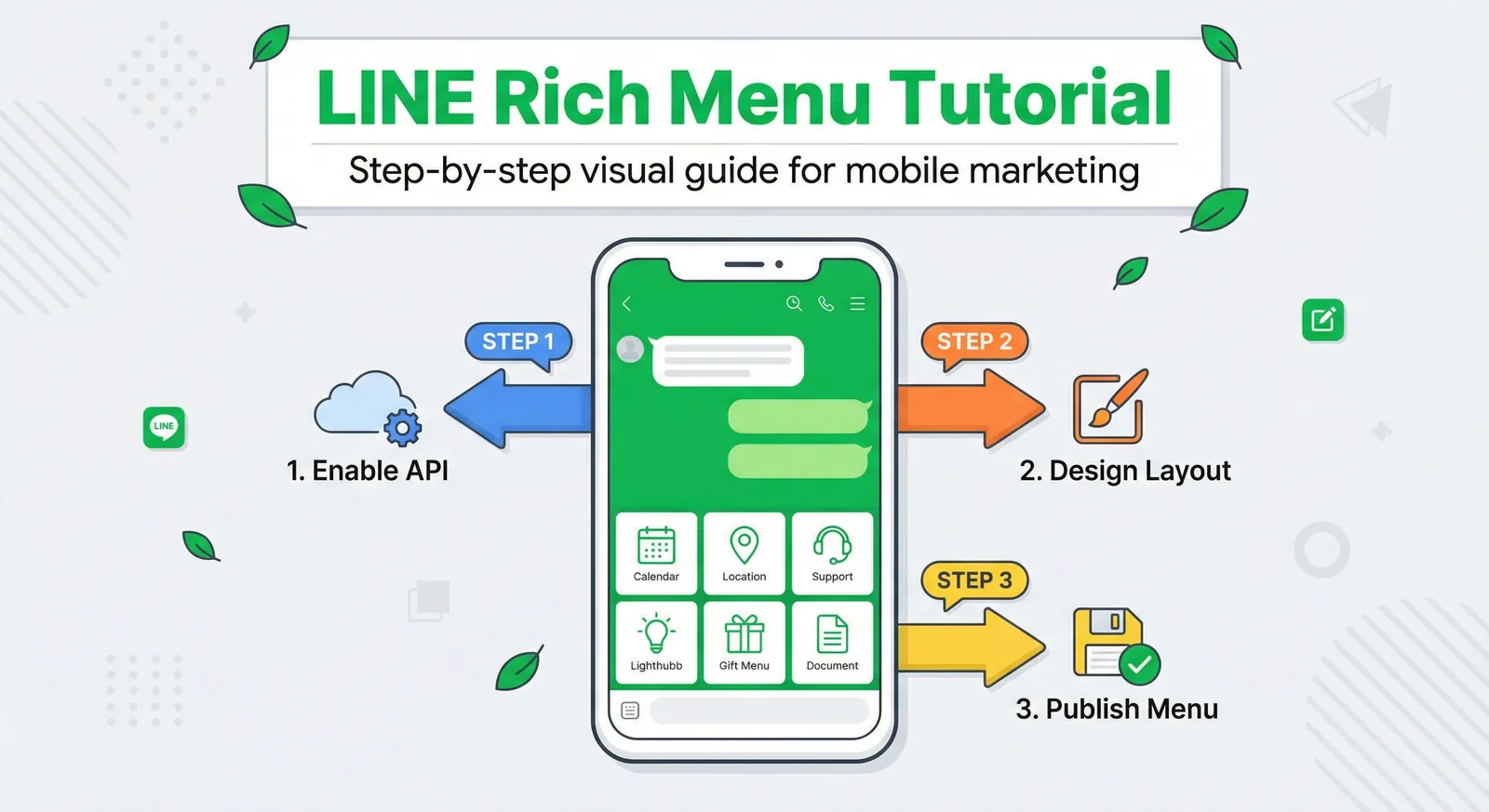
Create a LINE Rich Menu with the right image size, useful buttons and a clear layout. Includes templates, setup steps and an AI-assisted design workflow.
Read Article50 free credits at sign-up — enough for 6 Flex cards. No credit card, no subscription.