In the application
Create with an AI marketing agent
Give AI Studio your offer, brand style and audience. Generate LINE visuals and interactive messages in a conversation.
AI Marketing AgentDescribe what you need and get a rich menu, rich message or banner at LINE's exact size — image and JSON, ready to upload, no designer needed. Connect your LINE OA to answer chats 24/7 with replies you approved and to send or schedule broadcasts.
Example prompt
Hair salon in Bangkok. Rich menu with 4 buttons: Book now, Prices, This month's promo, Map. Clean, modern style.
6
LINE formats
24/7
Auto-replies
Built around your work
Create campaign content, help customers find answers and prepare your next LINE broadcast. Start with the workflow your team needs today.
Give AI Studio your offer, brand style and audience. Generate LINE visuals and interactive messages in a conversation.
AI Marketing AgentMap recurring questions and customer journeys to a LINE chatbot. Define what the bot can answer and when your team takes over.
LINE ChatbotBring AI content creation and campaign preparation into one workspace. Connect a LINE Official Account when you are ready to publish.
LINE Broadcasts50
free credits at sign-up
10
credits per AI rich menu
0
credits to send a broadcast
4
content languages
10 credits per menu
Describe your business and the buttons you need. You get the rich menu image at LINE's exact size plus the matching JSON, with every tap area placed on the artwork — ready to upload in LINE Official Account Manager.
What you get
8 credits per message
Turn an offer into a Flex Message card: a hero image, a headline, short text and a button, plus an optional call button. The JSON is built by code so LINE accepts it, and only the links you typed are used.
What you get
24/7 auto-replies
Create up to 8 topics, each with up to 15 keywords, and choose the rich message that answers it. Optional AI routing sends messages without a keyword to the right topic — it never writes its own answers. A handoff keyword pauses the bot so your team can take over.
What you get
0 credits to send
Write a prompt to get a new rich message, check the preview, then send it to all your friends or to a list of LINE user IDs — right away or at the time you choose. You see the delivery status, your follower count and the LINE quota you have left.
What you get
3 assets per kit
Save your brand once — name, colour, tone and rules — and it is applied to every generation. Fill in a campaign brief and one click renders a wide banner, a rich message and a 3-button rich menu that match. The AI assistant can also make template and imagemap messages.
What you get
Rich menu, message and auto-reply ideas for your type of business
A rich menu for menu, map and call, promo rich messages, and keyword replies for opening hours and delivery
Sale banners, new-arrival rich messages and scheduled broadcasts that link to your shop
A rich menu with Book, Prices and Promotions buttons that open your own booking page
A clinic rich menu for services, map and call, health-tip messages and replies about opening hours
Course announcements by broadcast and an enrolment rich menu that links to your sign-up form
New-listing rich messages, a rich menu for listings and contact, and handoff to an agent
Self-serve AI tools, plus expert setup and custom development when you need it
AI rich menu images with matching JSON, at 2500×843 or 2500×1686
Flex Message cards with image, headline, text and button, made by AI
Keyword auto-replies 24/7, with AI routing and human handoff
Send AI-made rich messages to your friends now or on a schedule
Replies, scheduled campaigns and AI content in one workflow
One brief becomes a matching banner, rich message and rich menu
A ฿2,500 expert audit with a 30-minute call and an action plan
Custom Messaging API integrations, built on request
Custom apps that open inside LINE, built on request
From a text prompt to LINE-ready assets in 4 steps
Use LINE Login or an email link. 50 free credits, no card.
Type what you need in English, Thai, Japanese or Chinese and pick the format.
Get the image and LINE JSON at the right size. Failed generations are refunded.
Upload it in LINE OA Manager, or connect your LINE OA to send campaigns and turn on auto-replies.
How it compares with custom development and doing everything by hand
Pricing, setup, and what the tools can and can't do
LineBot.pro is a set of AI tools for LINE Official Accounts. Describe what you need and it makes rich menus, rich messages (Flex Messages), banners in 6 sizes and LINE page kits (cover, profile picture and rich menu) at LINE's exact sizes, with the LINE JSON built by code. You can also run a 24/7 keyword auto-reply bot and send or schedule broadcasts. You pay with credits — there is no subscription.
Sign in with LINE or with an email link and you get 50 free credits, no card needed. Open a generator, type a prompt and download the image and JSON. To send campaigns or turn on auto-replies, connect your LINE Official Account by pasting its channel ID, channel secret and channel access token from the LINE Developers console.
You pay per creation: a rich menu costs 10 credits, a rich message 8, a banner 8 and a LINE page kit 25. New accounts get 50 free credits — enough for 5 rich menus. After that you buy one-time credit packs (current prices are on our pricing page): no subscription, and credits never expire. Failed generations are refunded automatically. Sending campaigns costs 0 credits (your LINE plan's monthly message quota applies) and keyword replies cost 0 credits too. A one-time LINE OA audit by an expert costs ฿2,500.
Not from the app today. You download the image and its layout, then in LINE Official Account Manager go to Rich menu → Create, pick the matching template, upload the image, set the action of each area and save. Developers can use the JSON with the Messaging API instead.
Only with replies you approved. The bot answers 1:1 chats when a message contains one of your keywords (up to 8 topics with 15 keywords each), and every reply is a rich message you made. If you turn on AI routing, a message without a keyword is matched to a topic only when the AI is at least 85% sure — 1 credit per message the AI checks, with a daily cap you set. The AI never writes its own answers, and keywords such as “human” or “live agent” pause the bot for that customer so your team can take over.
The app is available in English, Thai, Japanese and Traditional Chinese, and it writes content in those four languages: it follows the language of your prompt, or the app language. Handoff keywords are preset in all four.
Not as a built-in feature: LineBot.pro has no ready-made CRM, e-commerce or booking integrations. If you need one — or a LIFF app or LINE MINI App — we can build it as custom development. Describe your project through the contact form and we will get back to you.
Your channel secret and access token are only used to call the official LINE Messaging API for what you set up: the campaigns you send and the replies you approved. All traffic uses HTTPS, and you can disconnect the account at any time.
Step by step: create your LINE OA, design a rich menu and send broadcasts
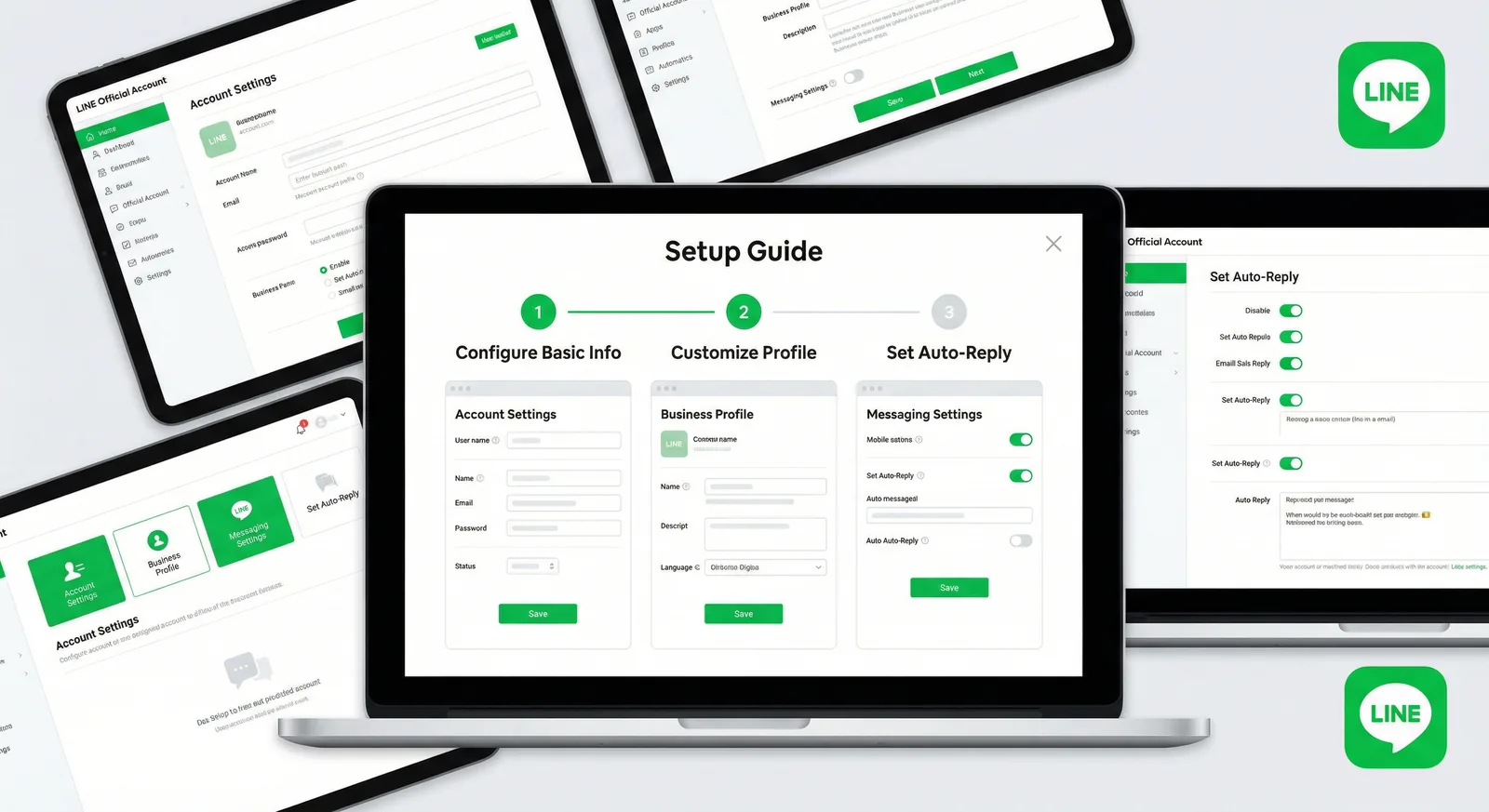
Open a free LINE Official Account step by step: web and app sign-up, the April 2026 badge changes, day-one settings, verification by country and a 10-point launch checklist.

Create a LINE Rich Menu with the right image size, useful buttons and a clear layout. Includes templates, setup steps and an AI-assisted design workflow.
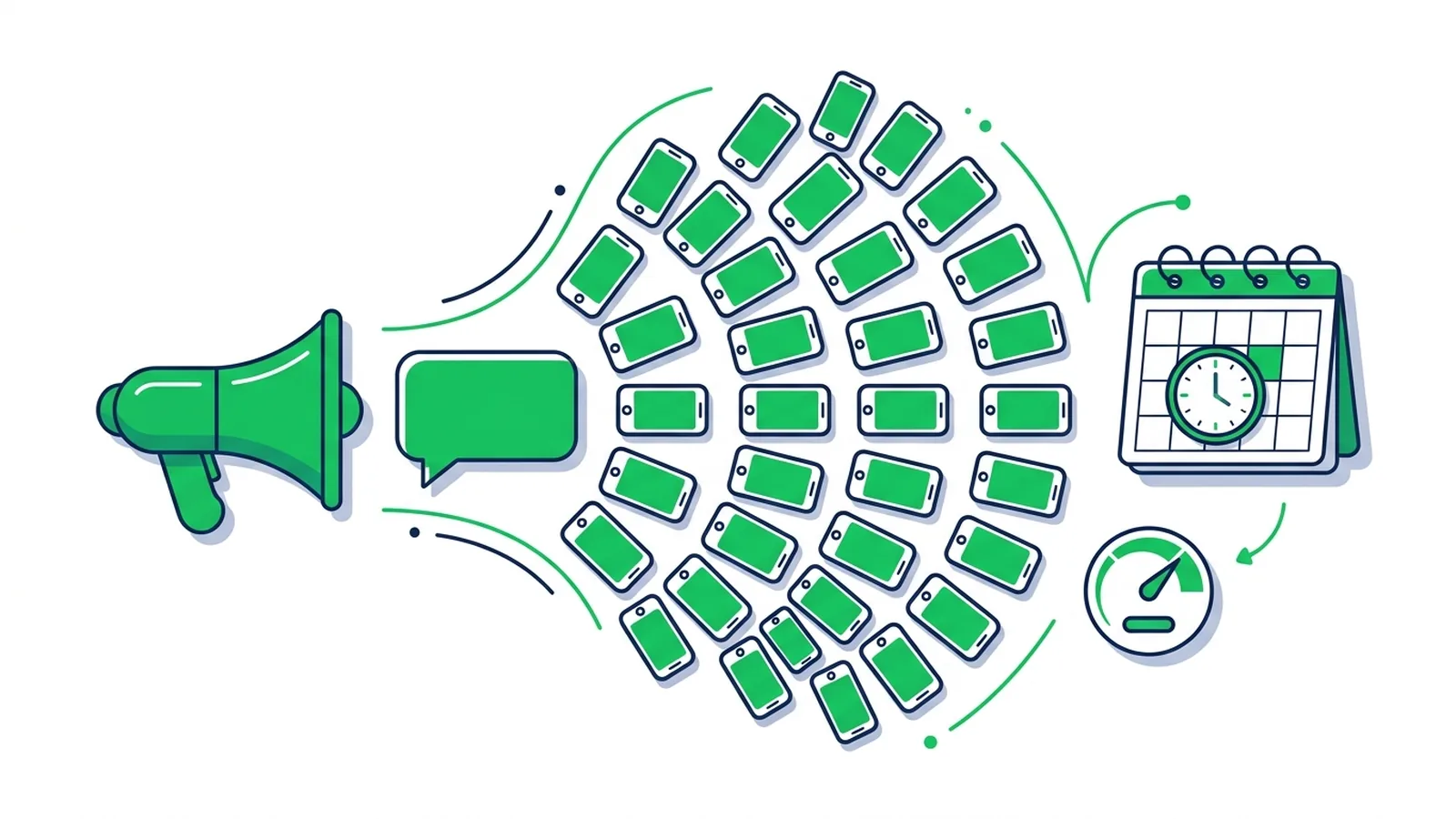
How to send a broadcast from LINE Official Account Manager on the web and in the app, which message types and filters you can use, how LINE counts messages against your monthly quota, image sizes, timing tips and ready-to-adapt examples.
Tell us what you need — LINE OA setup, a LIFF app or LINE MINI App, or a Messaging API integration — and we will reply with a quote.
Start with 50 free credits — enough for 5 AI rich menus. No credit card, no subscription.