1Common Challenges
No designer on hand
A broadcast with a plain photo and a wall of text gets scrolled past, but briefing a designer for every promotion takes days.
Describe your offer and get a ready-to-send Flex rich message with artwork (8 credits). Check the preview, then broadcast to all friends or to a list of LINE user IDs — immediately or at the time you set. Sending is free in LineBot.pro; your LINE plan's monthly message quota applies.
New campaign
This weekend only
Brunch set −20%
Sat–Sun, 10:00–14:00. Show this message at the counter.
Audience
Send
Sending: 0 credits
0
credits to send
8
credits per AI message
500
user IDs per batch
5
steps from idea to send
Built for LINE Official Accounts
LINE Messaging API
Free to start
50 credits at sign-up
TH · JA · ZH · EN
Thai, Japanese, Chinese, English
Pressing send is easy. Everything before it is where campaigns stall.
A broadcast with a plain photo and a wall of text gets scrolled past, but briefing a designer for every promotion takes days.
Cards with an image and a button beat plain text, but building Flex JSON by hand is slow and easy to break.
Promotions go out when someone remembers, not when customers are reading.
Every recipient counts toward your LINE plan. A test sent to everyone, or the same promotion sent twice, uses messages you paid for.
Without a preview, the first person to see a broken layout is your customer.
Monthly promotions get recreated from scratch instead of reused.
The campaign wizard walks you through exactly this sequence.
Pick the connected LINE Official Account and name the campaign. Quick ideas — flash sale, new product, holiday greeting, loyalty — prefill the prompt.
Describe the offer in your own words (10 characters minimum). AI writes the brief, draws the artwork and builds a valid Flex rich message — 8 credits, refunded automatically if generation fails.
Check the message as it will appear in LINE before anything is sent.
Broadcast to all friends, or paste a list of LINE user IDs for a targeted send; lists go out in batches of 500.
Send now or schedule a date and time. Sending costs 0 credits, and the delivery status appears on the campaign page.
Built to get a good-looking campaign out on time. What it doesn't do is listed further down.
From a short description, AI writes the copy, draws a 1200×675 image and builds the Flex message in code: kicker, headline, text and a button, plus an optional “Call us” button. 8 credits.
See the message as it will look in LINE. Nothing goes out until you confirm the send or the schedule.
Broadcast to everyone who follows your account, or paste LINE user IDs — they start with “U” and are 33 characters long — to reach specific customers.
LINE accepts at most 500 user IDs per multicast request, so long lists are split for you.
Pick a date and time and the campaign goes out on its own. Until then, you can still send it right away or delete it.
Once a campaign is sent, its results show your current follower count and your monthly LINE message quota — useful when planning the next send.
Draft, scheduled, sending, sent or failed — plus a clear success or failure result and any error LINE returned.
Reuse a campaign that worked: duplicate it as a new draft and change only what's different.
Need a banner and a rich menu for the same promotion? AI Studio makes the set from one brief — 26 credits for banner, rich message and rich menu.
LineBot.pro charges 0 credits to send. LINE counts every recipient of a broadcast or user-ID send against your plan's monthly messages (sends × recipients), while replies to customers don't count; once the monthly limit is reached, LINE returns an error and nothing more is sent (LINE Developers: Messaging API pricing). Counting rules and practical tips are in our LINE OA broadcast guide.
| Market | Free plan | Paid plans (monthly messages) |
|---|---|---|
| Thailand | 300 messages | Basic ฿1,280 → 15,000 · Pro ฿1,780 → 35,000 (excl. 7% VAT) |
| Japan | 200 messages (Communication Plan) | Light ¥5,000 → 5,000 · Standard ¥15,000 → 30,000 (excl. tax) |
| Taiwan (from 1 Nov 2026) | 200 messages (輕用量) | 中用量 NT$1,000 → 3,000 · 高用量 NT$1,400 → 6,000 (excl. tax) |
Sources: LINE for Business Thailand, LY Corporation (Japan), LINE Biz-Solutions Taiwan. Full details in our LINE Official Account pricing guide.
Want to understand the message format first? Read what LINE rich and Flex messages are.
Prompts that work well. Write them in your own words — the AI builds the card.
Fill quiet days and launch new dishes.
Turn followers into orders.
Fill open appointment slots.
Useful reminders, no hard sell.
Fill the next intake.
Keep buyers posted.
0
You pay credits to create, never to deliver.
8
Artwork, copy and a valid Flex message. Failed generations are refunded automatically.
500
Long lists are split automatically to fit LINE's per-request limit.
1×
Double clicks, retries and the scheduler can't deliver the same campaign twice.
Start with a comprehensive analysis of your LINE presence
Professional audit of your LINE presence with actionable recommendations
For complex setups or several accounts, tell us what you need and we will scope a tailored audit with you.
Contact UsSoftware that prepares and sends messages from your LINE Official Account to many friends at once. LineBot.pro focuses on the content: AI creates a Flex rich message with artwork, you check the preview, then broadcast to all friends or to a list of user IDs — right away or on a schedule.
Sending costs 0 credits; creating the message with AI costs 8 credits. LINE then counts each recipient against your LINE Official Account plan's monthly messages — as of October 2026, for example, 300 a month on Thailand's free plan, 200 on Japan's Communication Plan and 200 on Taiwan's free 輕用量 plan.
Yes. Choose Targeted and paste LINE user IDs — they start with “U” and are 33 characters long, and your webhook receives them when customers interact with your account. LINE IDs and display names won't work, IDs collected under another provider won't be delivered, and friends who blocked you don't receive it. There are no tags or segments to filter by.
Yes. Pick a date and time in the last step: the campaign shows as Scheduled and is sent automatically. Until it goes out, you can still send it right away or delete it.
No. Each sent campaign shows its delivery result (sent or failed, with any error from LINE), your follower count and your monthly LINE message quota. For engagement statistics, use LINE's own analytics, such as LINE Official Account Manager.
LINE Official Account Manager can broadcast too, with its own targeting options. LineBot.pro adds the creative side — an AI-made Flex message with artwork in minutes — plus scheduling, user ID lists and a delivery status per campaign. You can use both.
No. Each campaign can only be claimed for sending once, and every request to LINE carries a retry key, so a double click, a network retry or the scheduler can't deliver the same campaign twice — and can't waste your quota that way.
Thai, Japanese, Traditional Chinese and English. The language of your prompt is detected and the message is written in that language.
Get a free consultation: tell us what you want to do on LINE and we'll recommend the right tools or quote the custom work.

How to send a broadcast from LINE Official Account Manager on the web and in the app, which message types and filters you can use, how LINE counts messages against your monthly quota, image sizes, timing tips and ready-to-adapt examples.
Read Article
What a LINE rich message is and how it differs from card-based, rich video and Flex Messages — with LINE's official sizes, limits and step-by-step setup for each format.
Read Article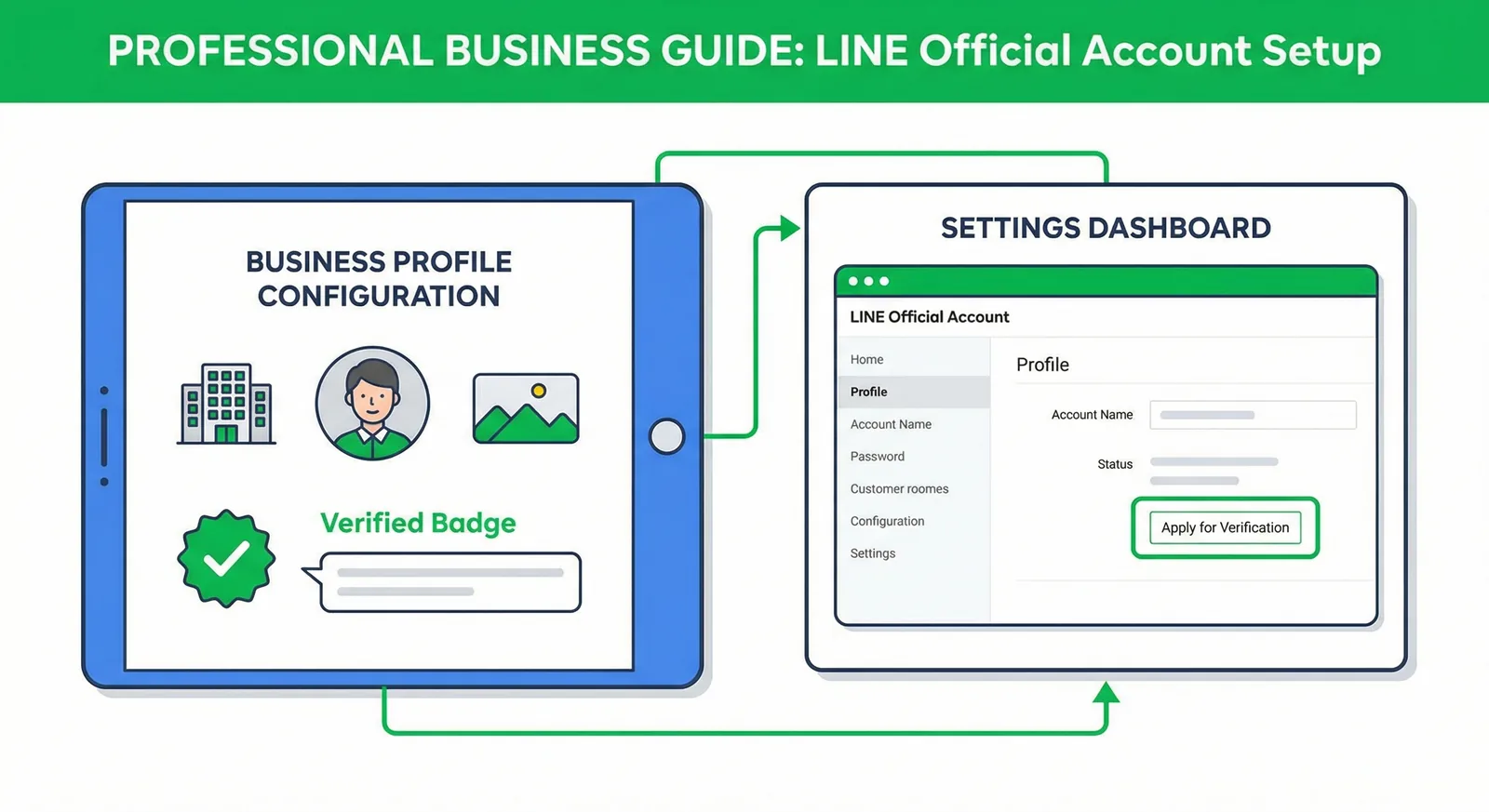
What a LINE Official Account really costs in October 2026: free and paid plans in Thailand, Japan and Taiwan, extra-message prices, Taiwan's November 1 price change, how messages are counted, worked examples and ways to cut your bill.
Read ArticleCreate the message with 50 free credits, check the preview, then broadcast now or on schedule.