1Common Challenges
The same questions all day
Prices, location, opening hours, how to book. Your admins type the same answers again and again instead of helping customers who are ready to buy.
List the questions customers ask most, add keywords and pick a Rich Message card as each answer. The bot replies in 1:1 chats day and night. When a message misses your keywords, AI picks the best of your approved answers. It never writes its own, so no invented prices or promises reach your customers.
Bloom Nail Studio
LINE Official Account
Built for LINE Official Accounts
LINE Messaging API
Free to start
50 credits at sign-up
TH · JA · ZH · EN
Thai, Japanese, Chinese, English
If these sound familiar, a chatbot helps. Further down, we also say plainly what it can't do.
Prices, location, opening hours, how to book. Your admins type the same answers again and again instead of helping customers who are ready to buy.
Late-night and holiday messages wait until morning, and some customers ask another shop in the meantime.
One writes “price”, another “how much”, a third misspells it or mixes Thai and English. A fixed keyword list misses them.
Bots that let AI write the answer can quote a price, discount or policy you never offered, and your team has to clean up afterwards.
When a customer types “I want to talk to someone” and still receives automatic messages, frustration grows fast.
A text answer can't show a photo or a Book now button, so customers have to ask again where to go next.
No code, all in the browser. The longest part is writing down what customers ask you.
Tell the AI what each answer should say, such as a price list, this month's offer or how to book, and get a Rich Message card with an image, headline, text and button. 8 credits per card, paid once, reusable without limit.
Enable the Messaging API for your account in LINE OA Manager, then paste the Channel ID, channel secret and channel access token from the LINE Developers console into LineBot.pro.
Up to 8 intents per LINE account, each with up to 15 keywords in any language. Choose the card each intent replies with.
Type a sentence the way a customer would. The simulator shows the intent it matches, a handoff request or no match. No credits used, nothing sent.
Copy the webhook URL into LINE Developers, turn on Use webhook and press Verify. When you activate the bot, every reply card is checked by LINE first.
Everything below is live in the app. Nothing here is “coming soon”.
Set “price” and a customer who writes “what's the price for two?” still gets the answer. English keywords match whole words, so “hi” never fires on “shipping”.
Each answer is a card with a 1200×675 image, a headline, short text and a button such as Book now or See menu, plus an optional Call us button.
Optional. When no keyword matches, AI (Gemini Flash) picks the closest intent and replies only when it is at least 85% confident. 1 credit per message the AI reads.
The AI chooses, it never writes. Customers only receive cards you created and approved, so prices, offers and policies stay exactly as you set them.
Phrases like “human”, “แอดมิน”, “担当者” and “真人客服” come preset and editable. When one appears, the bot goes quiet for that customer until you switch it back on.
Set the maximum AI credits per day (default 20, up to 200). Once it is reached, AI routing waits for the next day while keyword replies keep working.
Try any customer sentence before going live and see which intent its keywords match. Simulations cost nothing and send nothing; AI routing only runs on real messages once the bot is active.
See today's replies sent, failed attempts and AI credits used (UTC day), and pause the whole bot in one click.
Mix Thai, English, Japanese and Chinese keywords in the same intent. Reply cards can be generated in Thai, English, Japanese or Traditional Chinese.
Four rules, checked in this order. No black box.
The bot stops replying to that customer. Your team answers in LINE OA Manager chat and switches the bot back on afterwards.
That intent's reply card is sent.
If AI routing is on, the AI picks one of your intents, but only at 85% confidence or more and within your daily cap.
Nothing is sent. The message waits for your team in LINE OA Manager chat, as it does today. The bot never guesses.
The bot answers text messages in 1:1 chats. Group chats, stickers and images are left to your team.
LINE OA Manager already includes free auto-reply messages, and for many shops they are enough. Here is a straight way to choose.
Running both? Turn off LINE's auto-reply for the questions the bot covers, or customers may get two answers.
No monthly fee. You only spend credits where they create value, and keyword replies are free.
0 credits
Unlimited replies, every time a keyword matches.
1 credit / message
Only for messages your keywords miss, within the daily cap you set. Refunded automatically if processing fails.
8 credits / card
Paid once when you create the card, then sent as often as you like. Failed generations are refunded.
Not used
Replies to customer messages are not counted in your monthly LINE quota (LINE Developers, October 2026).
Credits come in one-time packs with no subscription, and they don't expire. New accounts get 50 free credits without a card, enough for 6 reply cards.
Source: LINE Developers, Messaging API pricingBetter to know before you start. Here is what to use instead.
Use LINE's free greeting message in LINE OA Manager.
Each question gets one card. Put the next step, such as a booking link, on the card's button.
The bot answers text messages in 1:1 chats only.
Your team keeps working in LINE OA Manager chat, where every message stays visible.
Available as custom development on request.
Each intent is a few keywords plus one reply card. Copy these and adapt them to your shop.
Let the bot handle the questions you get every day while staff focus on orders.
Answer prices and offers instantly, even after closing.
Cover general questions; anything personal goes to your staff.
Shipping, sizes and returns come up again and again.
Parents and students often ask about schedules and fees at night.
Reply to interested buyers outside office hours.
24/7
Replies in 1:1 chats at any hour, including closing time and holidays.
0
Reply as often as you like without touching your LINE message quota.
85%
Below it, the AI stays quiet and leaves the message to your team.
8 × 15
Up to 8 intents per LINE account, each with up to 15 keywords.
Start with a comprehensive analysis of your LINE presence
Professional audit of your LINE presence with actionable recommendations
For complex setups or several accounts, tell us what you need and we will scope a tailored audit with you.
Contact UsA LINE chatbot answers the messages customers send to your LINE Official Account automatically. LINE OA Manager already includes free auto-reply messages, and for a handful of simple questions they are enough. LineBot.pro adds reply cards with an image and a button, keywords that are found anywhere in a sentence, optional AI routing for messages your keywords miss, and handoff phrases that stop the bot for a customer who asks for a person.
There is no monthly fee. Keyword replies cost 0 credits. AI routing costs 1 credit per message the AI reads, with a daily cap you set. Each reply card costs 8 credits once, when you create it, and can be sent any number of times. New accounts get 50 free credits without a card, enough for 6 reply cards. After that, credits come in one-time packs that don't expire.
No. The AI never writes text. It only chooses one of the reply cards you created and approved, and only when it is at least 85% confident. Otherwise the bot sends nothing and the message waits for your team in LINE OA Manager chat.
If a message contains a handoff phrase, the bot stops replying to that customer. Defaults include “human”, “real person”, “live agent”, “แอดมิน”, “担当者” and “真人客服”, and you can edit the list. Your team answers in LINE OA Manager chat, then switches the bot back on for that customer from the automation page. There is no separate inbox or notification, so keep checking your LINE chats as usual.
No. The bot answers through LINE's Reply API, and reply messages are not counted in your monthly message quota (LINE Developers documentation, October 2026). Messages your account initiates, such as broadcasts, are counted.
No. You create reply cards, connect your LINE OA with its Channel ID, channel secret and channel access token, add intents and keywords, test them in the free simulator, then paste the webhook URL into the LINE Developers console. Before the bot goes live, every reply card is checked by LINE's validation endpoint.
Yes. Keywords can be written in any language and are found inside a sentence, which matters for Thai, Japanese and Chinese because they don't put spaces between words. AI routing reads all four languages, and reply cards can be generated in Thai, English, Japanese or Traditional Chinese.
The chatbot in the app answers with approved cards; it does not read booking, stock or CRM data. If you need that, we take on custom LINE development on request. Describe the project in the contact form and we will reply with a scope and a quote.
Get a free consultation: tell us what you want to do on LINE and we'll recommend the right tools or quote the custom work.
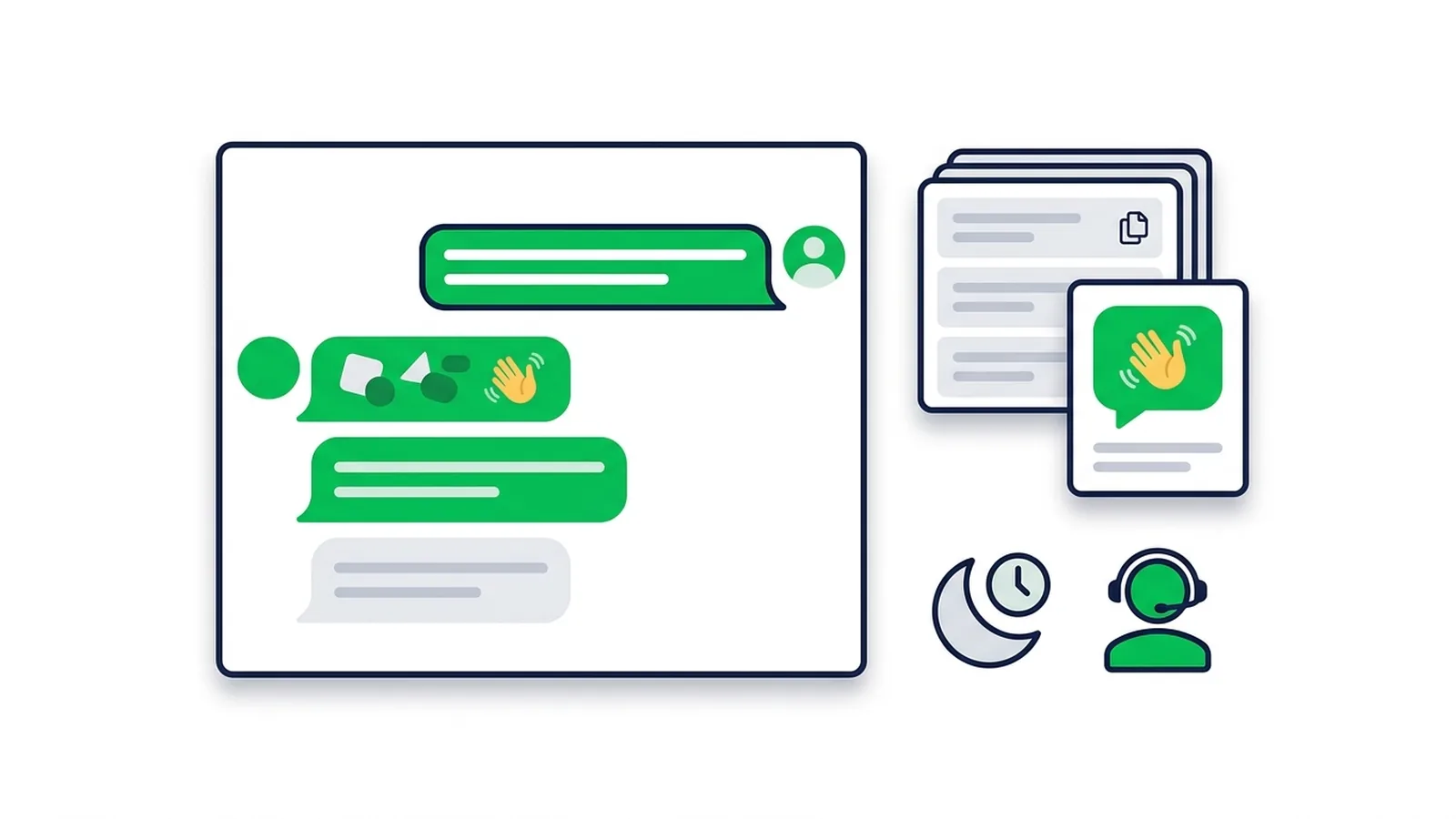
Copy-paste templates for every automatic message a LINE Official Account sends: greeting (welcome) messages by industry, keyword replies, after-hours and holiday notices, staff handoff, chat scripts for admins and follow-ups, checked against LINE's rules as of October 2026.
Read Article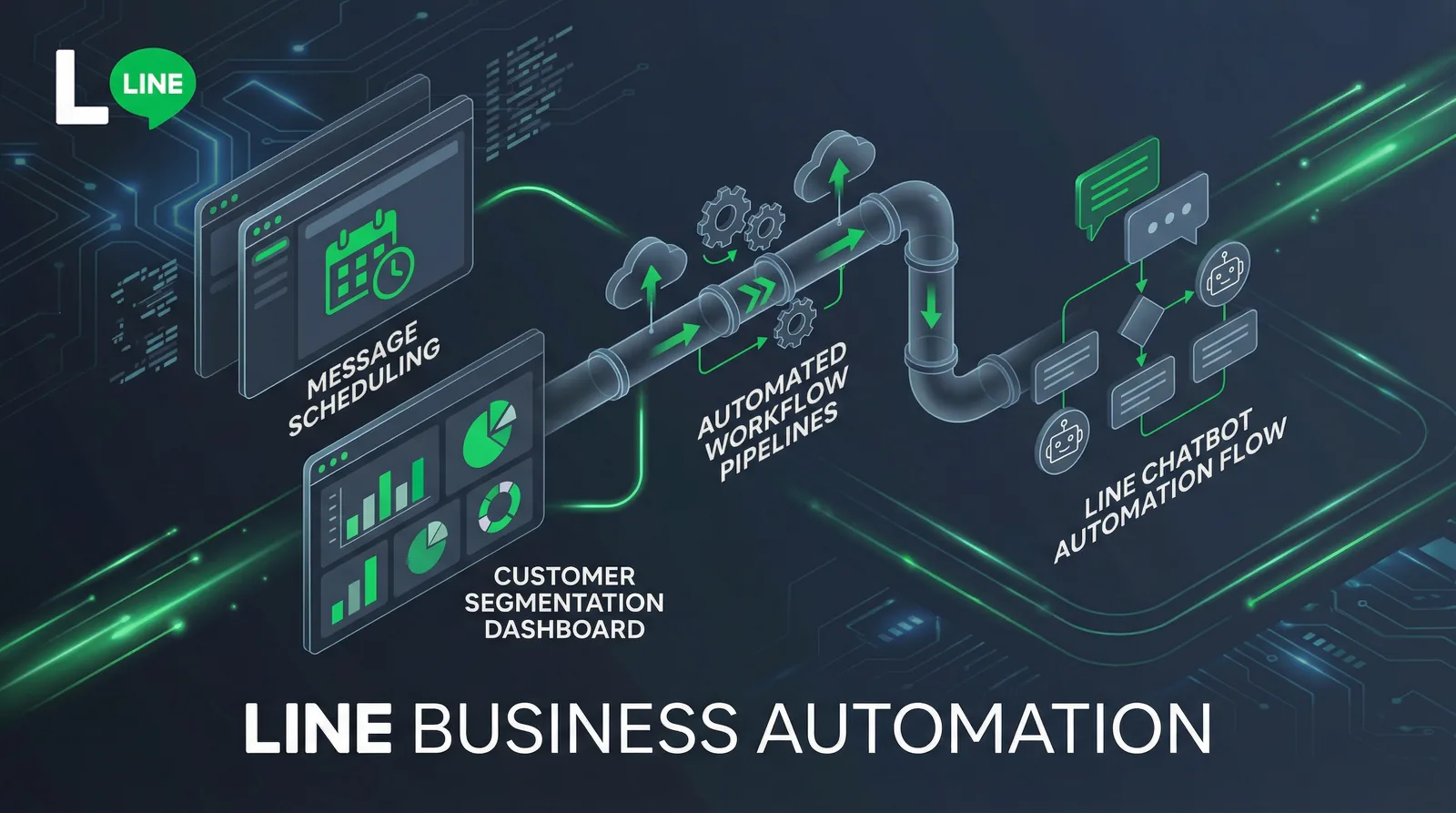
How to set up auto replies on a LINE Official Account: response settings, greeting message, keyword and default replies, after-hours messages, LINE's AI Chatbot (β) in Thailand, Japan and Taiwan, and when a webhook bot makes sense.
Read Article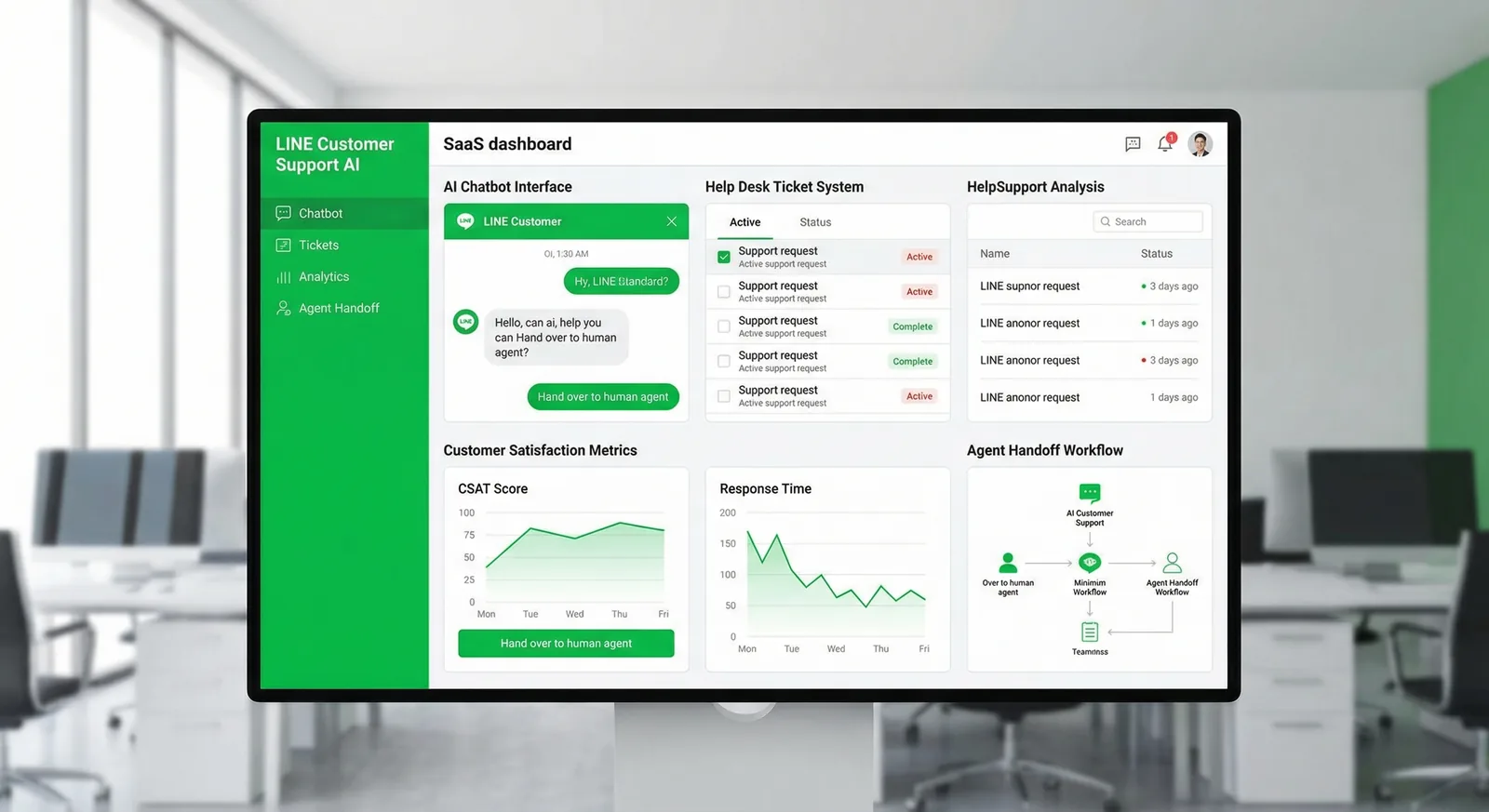
How to automate customer support on a LINE Official Account without losing the human touch: what to automate first, FAQ coverage, handoff to staff, and the numbers to track.
Read ArticleSign up free and get 50 credits, no card needed: enough for 6 reply cards. Keyword replies never cost a credit.